Hardware Installation Guide v
LEGAL DISCLAIMER
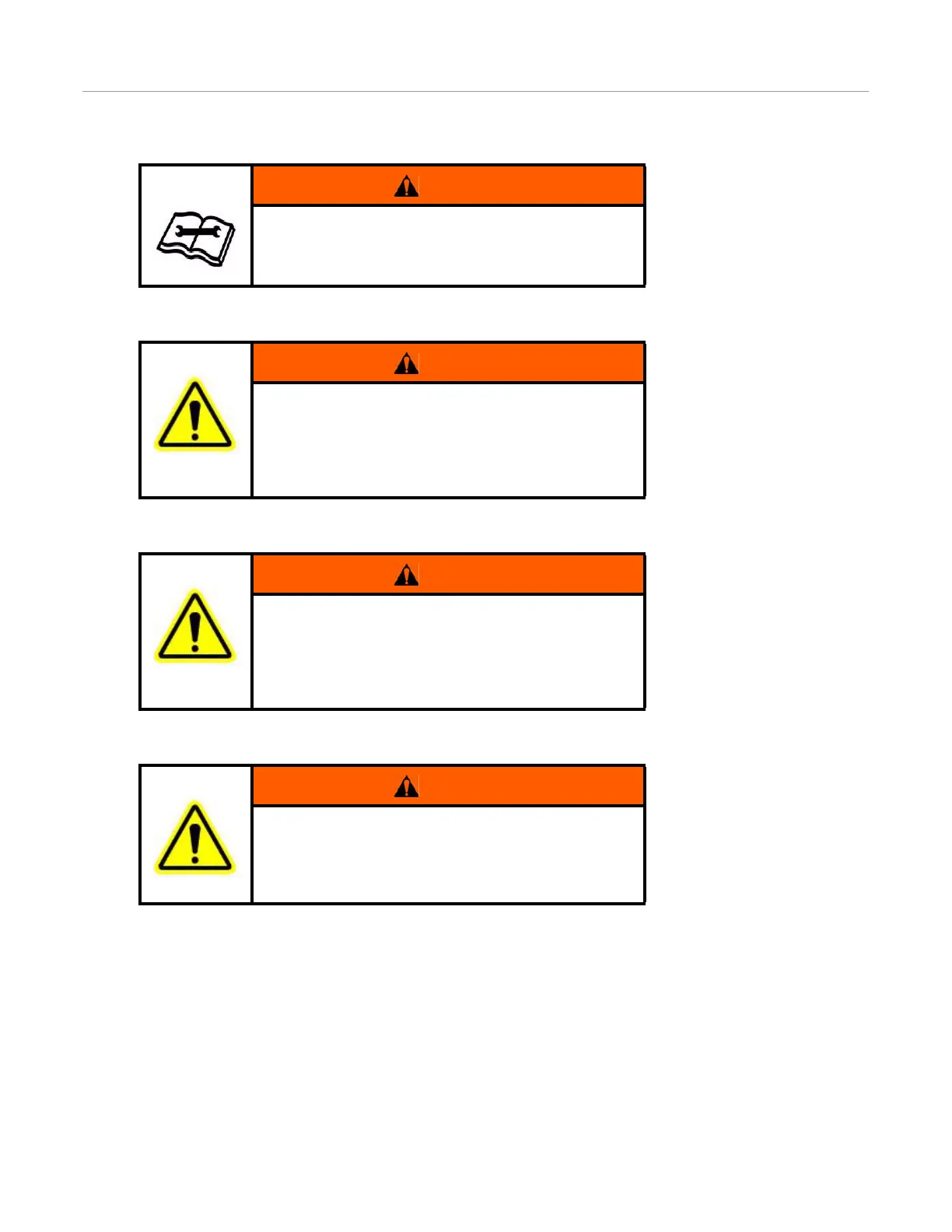
WARNING
To understand the potential hazards associated with the
operation of AutoFarm equipment read the provided
documentation before installing the GPS steering system on
a vehicle.
WARNING
A5 User Terminal: To prevent the accidental engagement of
GPS steering and loss of vehicle control while driving on
roads, shut down the A5 user terminal (exit the program)
and press down the blue Kill switch located on the top left
corner of the terminal. Never drive on roads or in public
areas with the GPS steering system turned on.
WARNING
FarmPRO User Terminal: To prevent the accidental
engagement of GPS steering and loss of vehicle control
while driving on roads, shut down the system using the
on-screen power button or the blue Kill switch located on
the bottom of the terminal. Never drive on roads or in public
areas with the GPS steering system turned on.
WARNING
Do not stand close to the wheels and do not move the
machine while you are adjusting the relief valve. Turn off
the engine, put the transmission into “park” position and
engage the parking brake before standing under or next to
the machine.



 To Next Page