86 AutoFarm GPS AutoSteer
Starting the Calibration Procedure
On this installation, the steering wheel will turn freely and AutoSteer should kick-out when the driver turns the steering wheel
while in AutoSteer mode. This result is the expected behavior for this installation and is different than other AutoFarm
installations where the steering wheel cannot be turned while in AutoSteer mode.
Starting the Calibration Procedure
Follow the procedure shown in Table 10-1 each time you start the AutoFarm system.
Note: Always start your tractor before powering ON the AutoFarm system.
Note: You need a GPS correction signal to perform the calibration procedure. The GPS correction signal can be provided
by the base station, OmniStar or WAAS and the A5 AutoSteer system must be in full working condition. (Roof Module
plus the User Terminal)
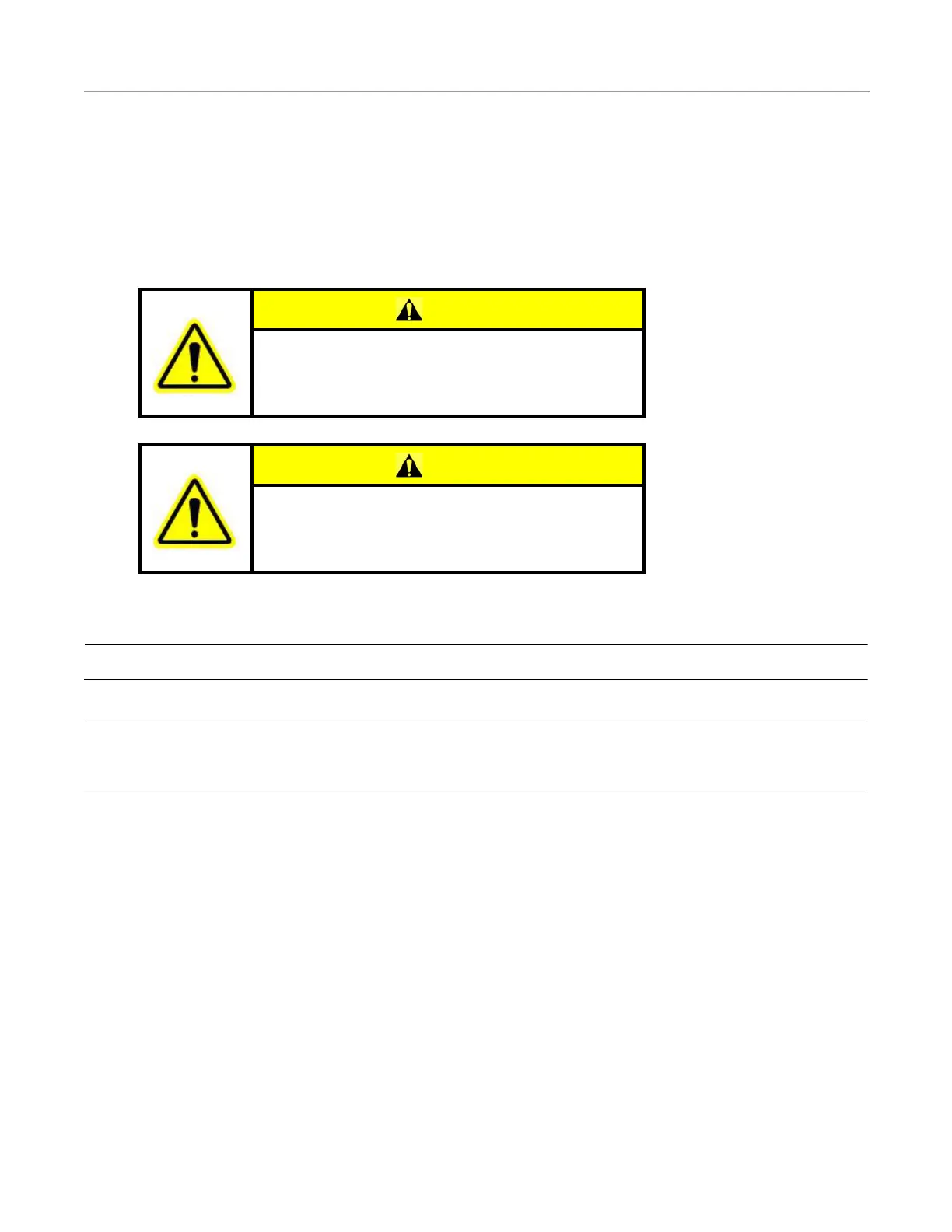
CAUTION
The GPS steering system does not detect obstacles in the
vehicle’s path. The operator must observe the path being
driven in order to avoid obstacles.
CAUTION
When engaged, the GPS steering system controls only the
steering of the vehicle. The operator must control the speed
of the vehicle.



 To Next Page