Hardware Installation Guide 71
8
Main Cable Harness Installation
This Main Cable Harness chapter contains information in the following sections:
• User Terminal Connection
• Roof Module Main Harness Connection
• Power Supply Connection
Note: See the Cable Diagram section of the Installation Overview chapter for details regarding the Main Cable Harness
electrical connections.
User Terminal Connection
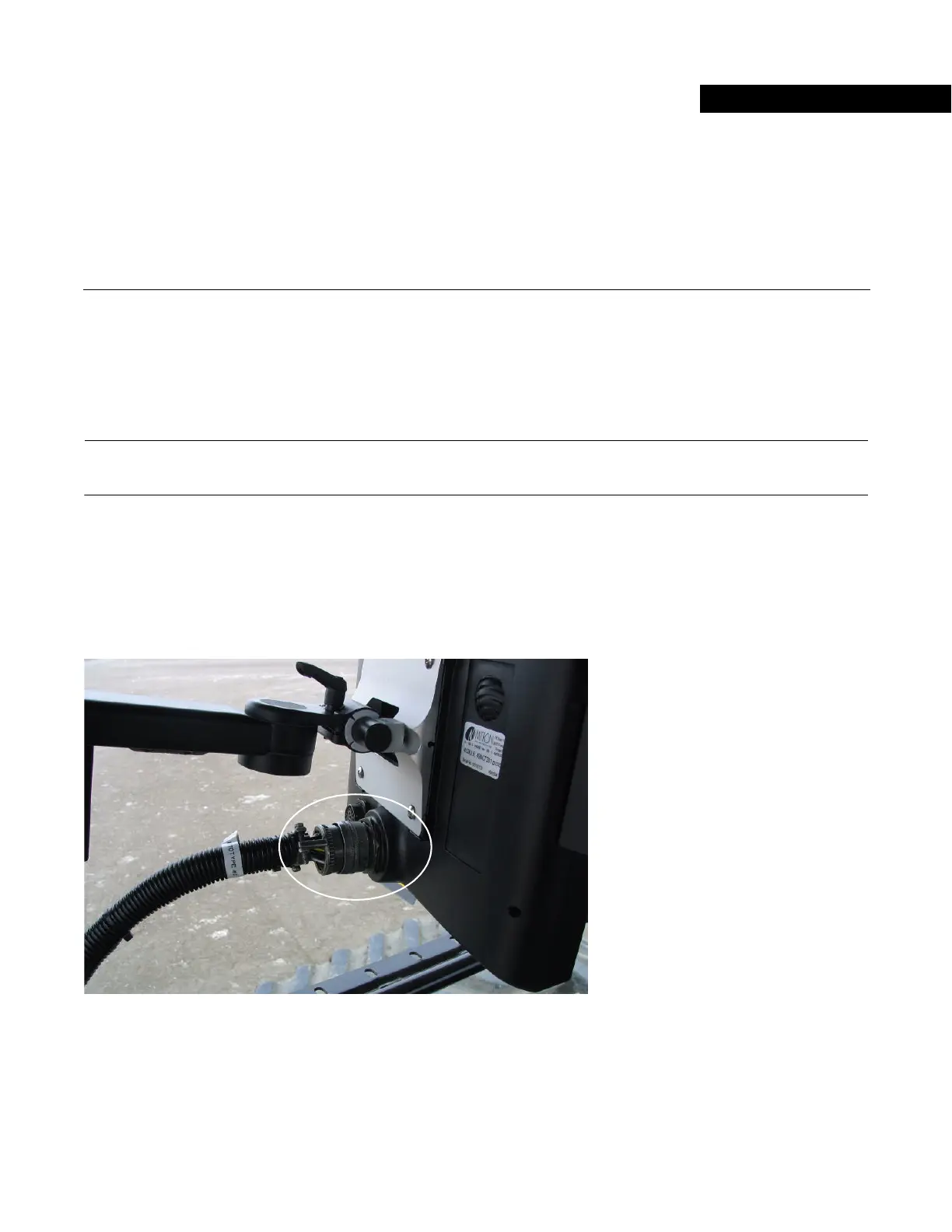
Attach the Main Cable Harness to the User Terminal. See Figure 8-1.
Rotate the connector sleeve clockwise to engage the connector.
Figure 8-1 User Terminal Main Harness Connection



 To Next Page