84 AutoFarm GPS AutoSteer
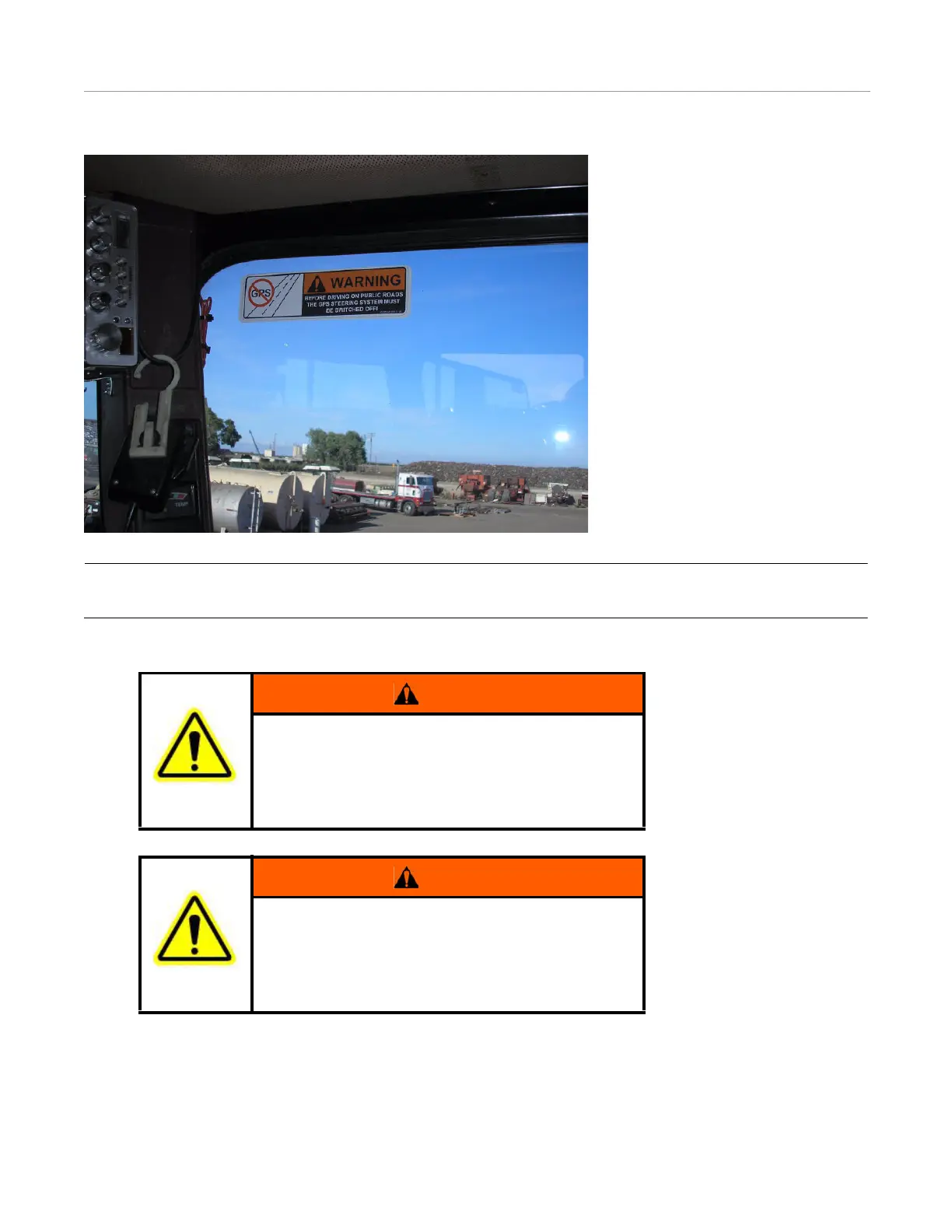
Install Warning Label
Figure 9-9 Autosteer Warning Label
Note: The Warning Label must be immediately replaced if it becomes lost or damaged. You can order a replacement label
from AutoFarm using the part number: 603-0074-01.
WARNING
A5 User Terminal: To prevent the accidental engagement of
GPS steering and loss of vehicle control while driving on
roads, shut down the A5 user terminal (exit the program)
and press down the blue Kill switch located on the top left
corner of the terminal. Never drive on roads or in public
areas with the GPS steering system turned on.
WARNING
FarmPRO User Terminal: To prevent the accidental
engagement of GPS steering and loss of vehicle control
while driving on roads, shut down the system using the
on-screen power button or the blue Kill switch located on
the bottom of the terminal. Never drive on roads or in public
areas with the GPS steering system turned on.



 To Next Page