Chapter 4 --- Operation
36
Set the Day:
• Press the ‘‘D
ay’’ button to high
light it.
• Use the arrow buttons to select the desired day and
date.
Set the Month:
• Press the "M
onth" button to highlight it.
• Use the arrow buttons to select the desired month.
Set the Year:
• Press the "Y
ear" button to high
light it
• Use the
arrow buttons to select the desired ye
ar
• Press "O
K" to conrm the setting and to return to
the Main screen
• Press the "B
ack" button one time to exit back to
the Main screen without saving the changes
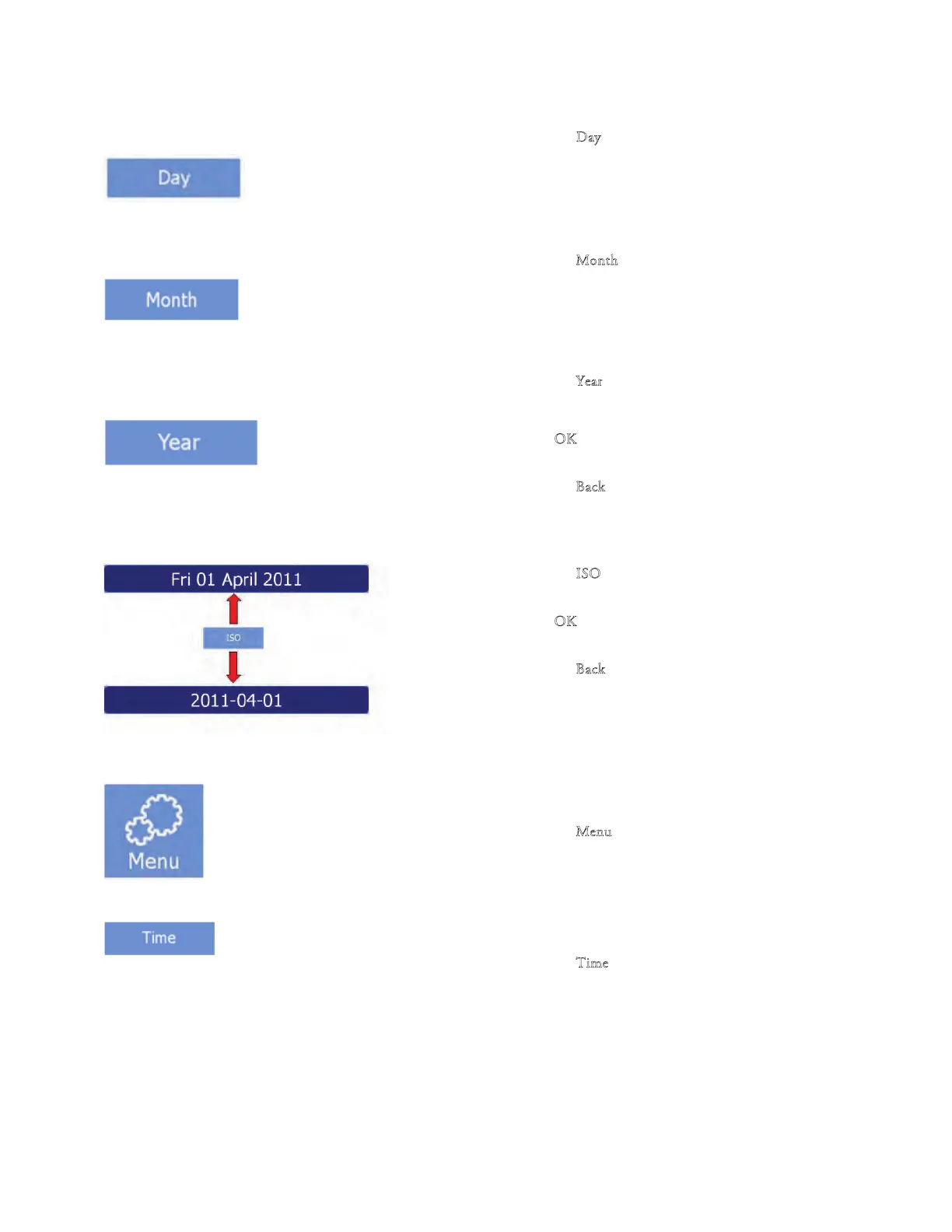
Change to ISO format
• Press the "I
SO" button to toggle between the
full
date format and the ISO format.
• Press "O
K" to conrm the setting and to return to
the Main screen.
• Press the "B
ack" button one time to exit back to
the Main screen without saving the changes.
Setting the Time
• Press the "M
enu" button on the Main screen.
• e Menu screen will be displayed.
• Press the "T
im
e
" button.



 To Next Page