MM714B LEDs
Table 18: MM714B LEDs
LED Name Color Indication
ALM Alarm Red The module type is not the type configured
in the MSG for the slot
TST Test Green Either a test is being performed on the
module via the server, or the module is
performing a self-test upon initial insertion
ACT Activity Yellow A device connected to the module is in use.
This can include a telephone that is off the
hook.
ETR ETR Green The Emergency Transfer Relay (ETR)
feature has been activated. This feature
provides an emergency link between the
telephone connected to the line port 4 and
the trunk connected to trunk port 5 if power
is disconnected from the Branch Gateway or
if the Branch Gateway becomes
unregistered from its Media Gateway
Controller (MGC)
Turning on ETR manually using the set
etr manual-on CLI command also lights
this LED..
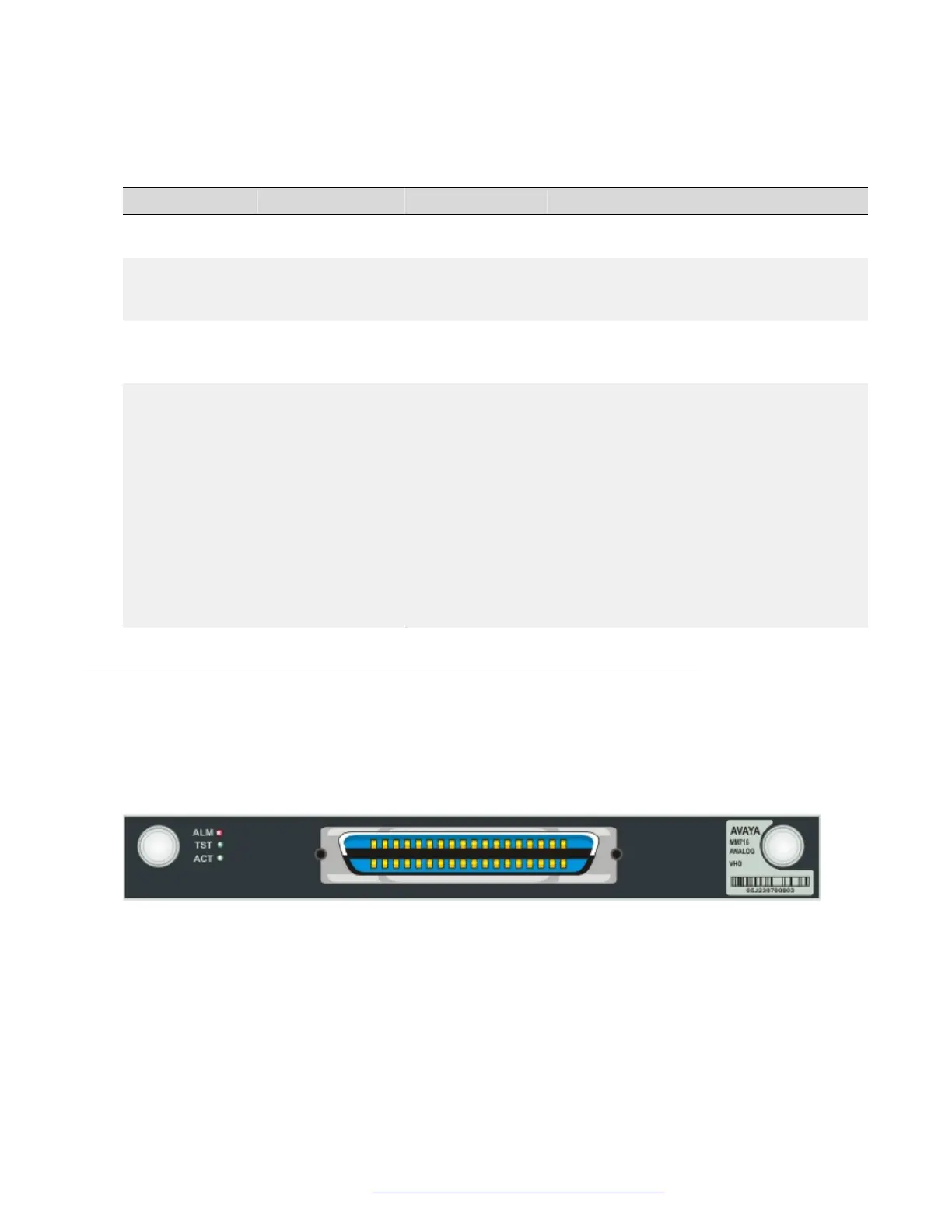
The front panel of the Avaya MM716 media module
The MM716 media module front panel has a 25-pair amphenol connector supporting 24 analog
line ports. These ports can be configured as DID trunks with either wink start or immediate start.
The MM716 is compatible with Communication Manager version 2.0 and higher, and Branch
Gateway firmware version 25.0.0 and higher.
Figure 38: The MM716 media module front panel
MM716 ports
The MM716 contains a single 25-pair amphenol connector, which can be connected by an
amphenol cable to a breakout box or punch down block containing RJ-45 or RJ-11 jacks, as
needed. You can attach up to 24 devices (analog telephones, trunks, modems, or fax machines) to
these jacks.
Front panel description
July 2018 Deploying and Upgrading Avaya G430 Branch Gateway 113
Comments on this document? infodev@avaya.com


 To Next Page