About installation and cabling
Issue 9.1 June 2006 109
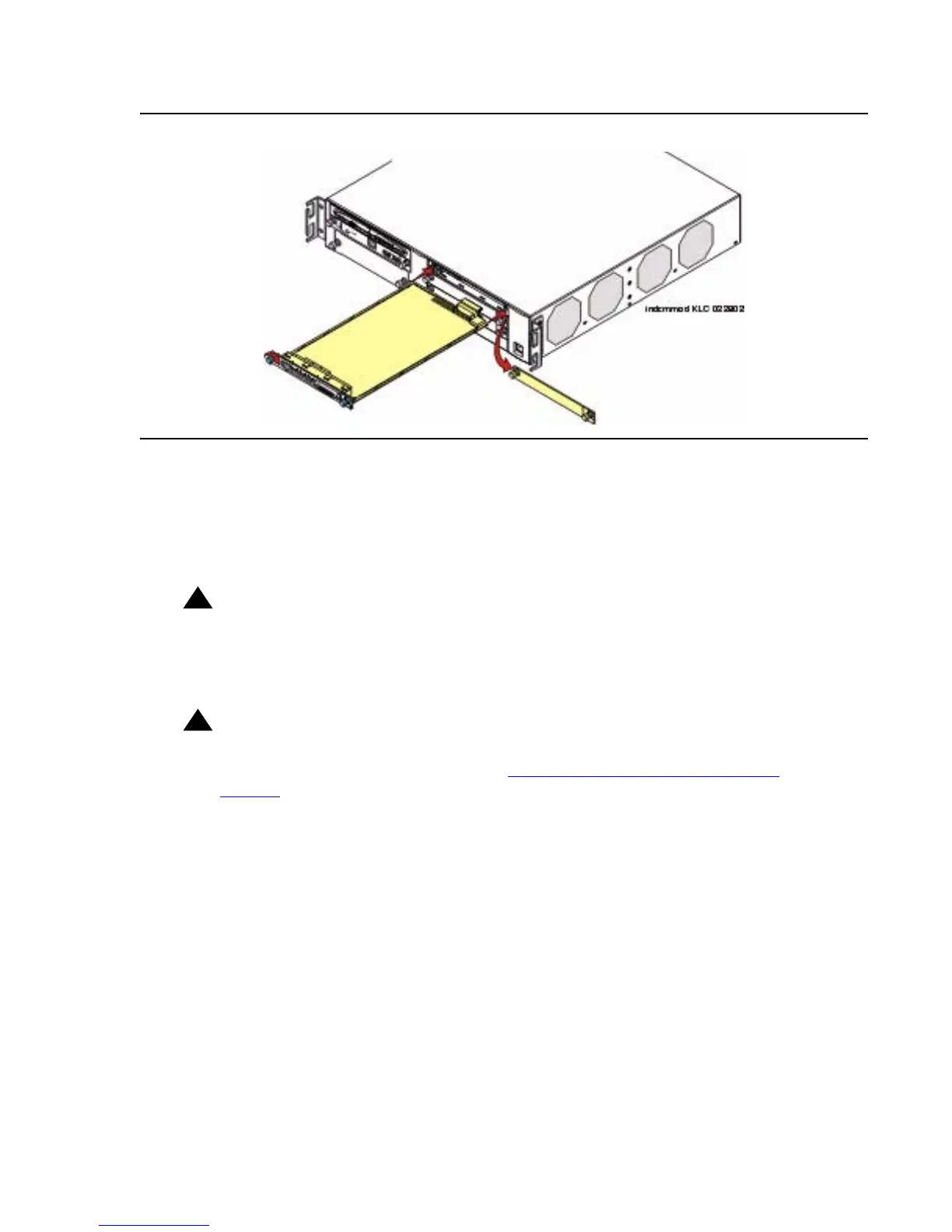
Figure 13: Insert Media Module
4. Apply firm pressure to engage the connectors.
The media module connector has different length pins. The long pins will engage first to
provide grounding. Medium length and short pins will provide power and signal.
5. Lock the media module into the chassis by tightening the spring-loaded captive screws on
the front of the module.
!
WARNING:
WARNING: To prevent access to electrical hazards by unauthorized personnel and to ensure
continued compliance to international radiated emissions requirements, all
captive screws must be securely tightened such that they cannot be loosened
without the use of a tool.
!
WARNING:
WARNING: After you have connected telephones to the various media modules, be sure to
add circuit protection to the lines (see Complete the telephone installation
process on page 383).
At this point, you have readied the G700, inserted the S8300, if required, and inserted the
media modules, as described in the planning documentation. Next, if required, the Expansion
Module should be inserted into its bay.





 To Next Page