Using the Avaya Installation Wizard (IW)
Issue 9.1 June 2006 161
Using the Avaya Installation Wizard (IW)
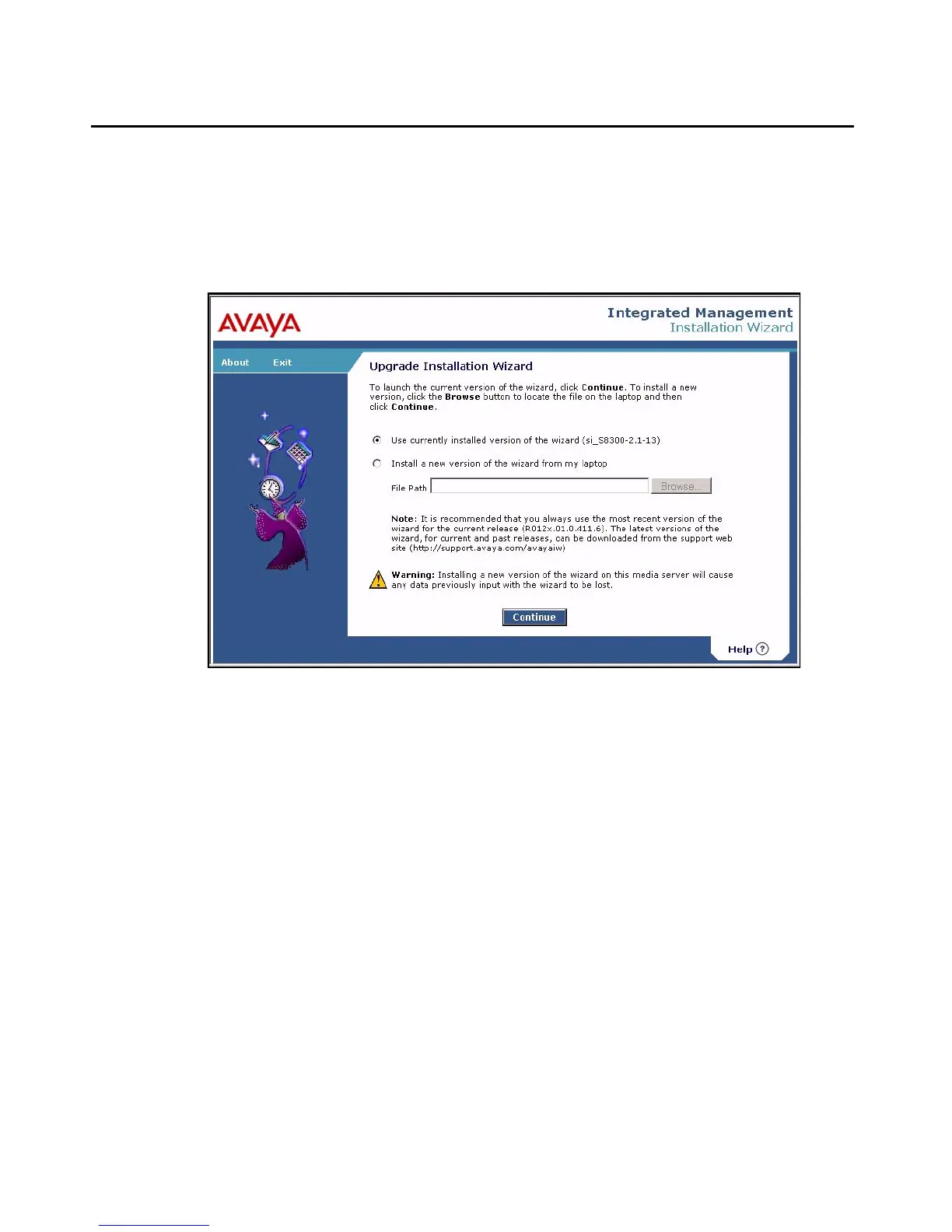
From the Maintenance Web Interface, launch the Avaya Installation Wizard. The Upgrade
Installation Wizard screen displays. You can use the currently installed version of the IW, or
you can choose to install a new version of the IW from your laptop.
Upgrade Installation Wizard screen
When you are finished with the Upgrade Installation Wizard screen, click Continue. Following
brief Overview and Auto Discovery screens that display system data for the installation, such
as:
● Server Type
● Media Gateway Serial Number
● Avaya Communication Manager Software Version
click the Continue button, and the Electronic Preinstallation Worksheet screen displays.





 To Next Page