Upgrading an existing S8300A to R3.1 using the Web pages
276 Installing and Upgrading the Avaya G700 Media Gateway and Avaya S8300 Media Server
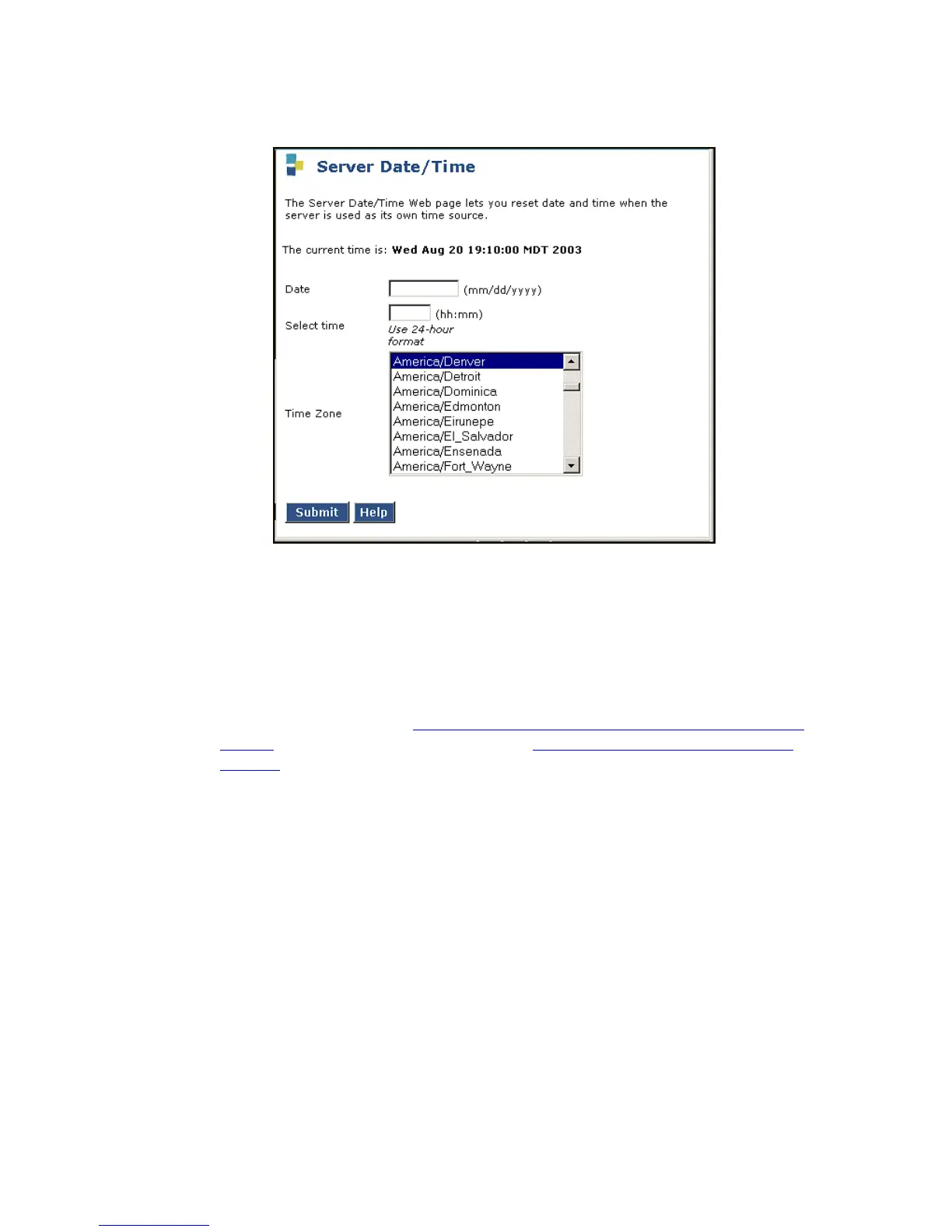
Server Date/Time screen
2. Verify or set the media server's time close enough to the NTS's time, date, and time zone
that synchronization can occur (within about 5 minutes).
Verifying media server configuration
Note:
Note: If you upgraded from a pre-1.2 release, you should have already completed the
server configuration (see To configure the server using the Avaya Installation
Wizard on page 271. In this case, skip to Setting rapid spanning tree on the
network on page 283.
For the other upgrade scenarios, at this point, you should not have to enter any configuration
information. In the following procedure, click Continue to open each configuration screen and
verify that the configuration information is correct.





 To Next Page