Manual installation of a new G700 with an S8300
496 Installing and Upgrading the Avaya G700 Media Gateway and Avaya S8300 Media Server
Setting the media server's time
To set the media server's time
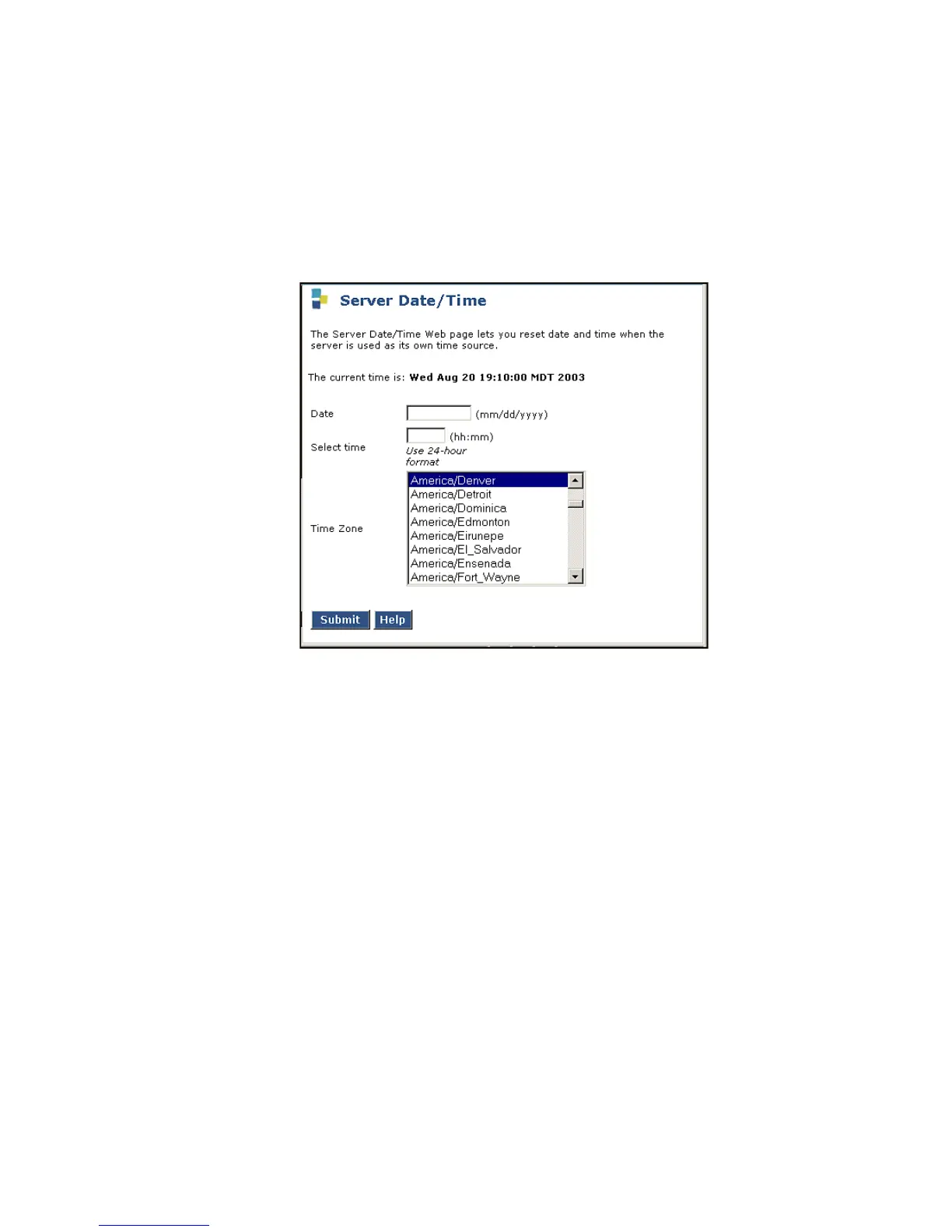
1. In the main menu under Server, click Server Date/Time.
The S8300 displays the Server Date/Time window.
Server Date/Time Window
2. Set the media server's time close enough to the NTS's time, date, and time zone that
synchronization can occur (within about 5 minutes).
3. When finished, click on the Configure Server window to continue.
After NTP is enabled, time changes greater than 15 minutes will disrupt the synchronization
with the NTS and NTP will shut down. You need to set the server's clock now so that
synchronization can take place.
4. When finished, click Continue.





 To Next Page