Post-upgrade tasks
Issue 9.1 June 2006 285
If using IA770:
Restore AUDIX data
To restore AUDIX data:
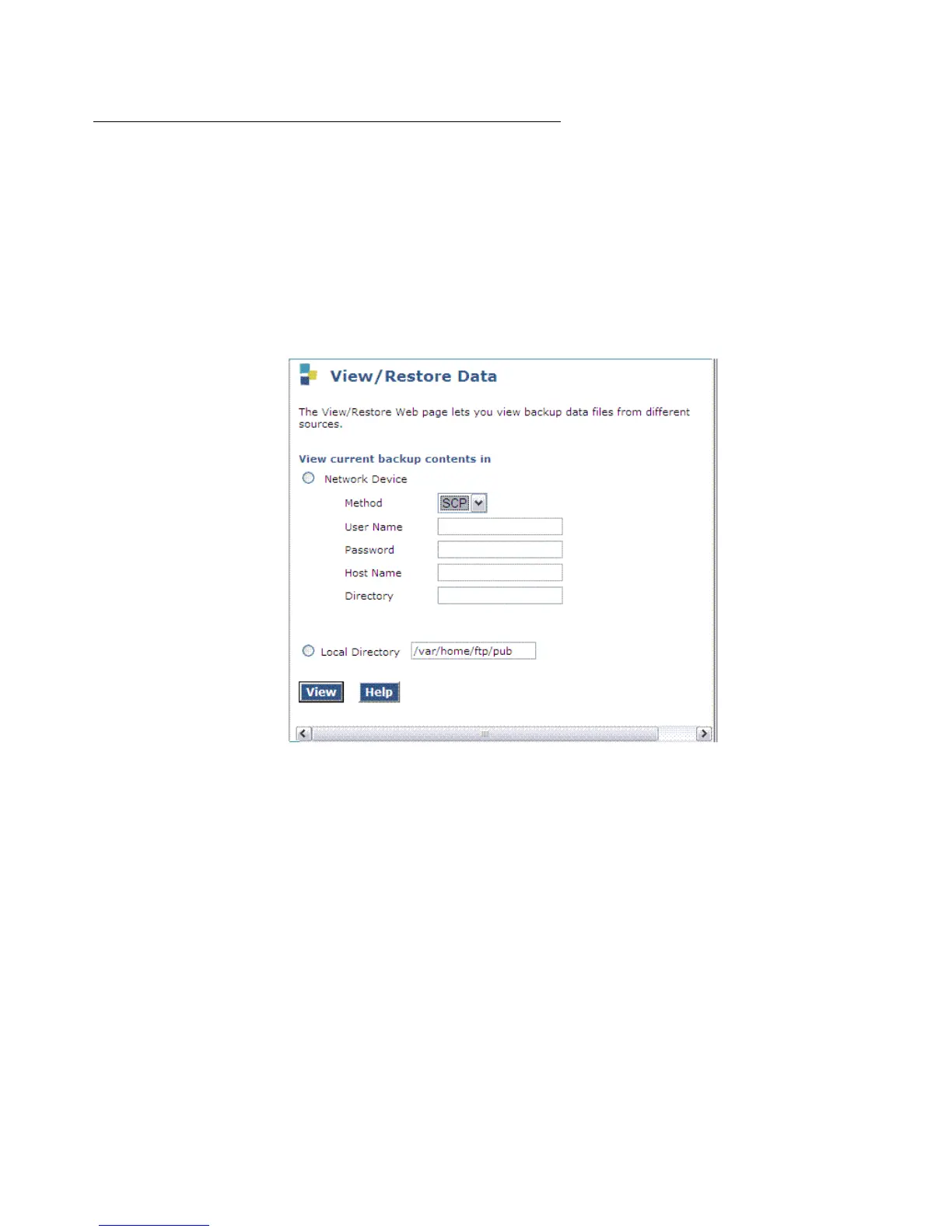
1. Under Data Backup/Restore, click View/Restore Data.
The View/Restore Data screen displays.
View/Restore Data screen
2. Select FTP and enter the information for the location of the backed up AUDIX Translations,
Names, and Messages and click View.
The View/Restore Data Results screen displays.
Note:
Note: The backup and restore processes use the ping service to check connectivity to
the backup server. If a backup or restore operation fails, ensure that the ping
service is enabled. On the Maintenance Web Interface, under Security select
Firewall. In the Service column, find ping. The checkboxes for both Input to
Server and Output from Server should be checked.





 To Next Page