Upgrading an existing S8300A to R3.1 using the Web pages
286 Installing and Upgrading the Avaya G700 Media Gateway and Avaya S8300 Media Server
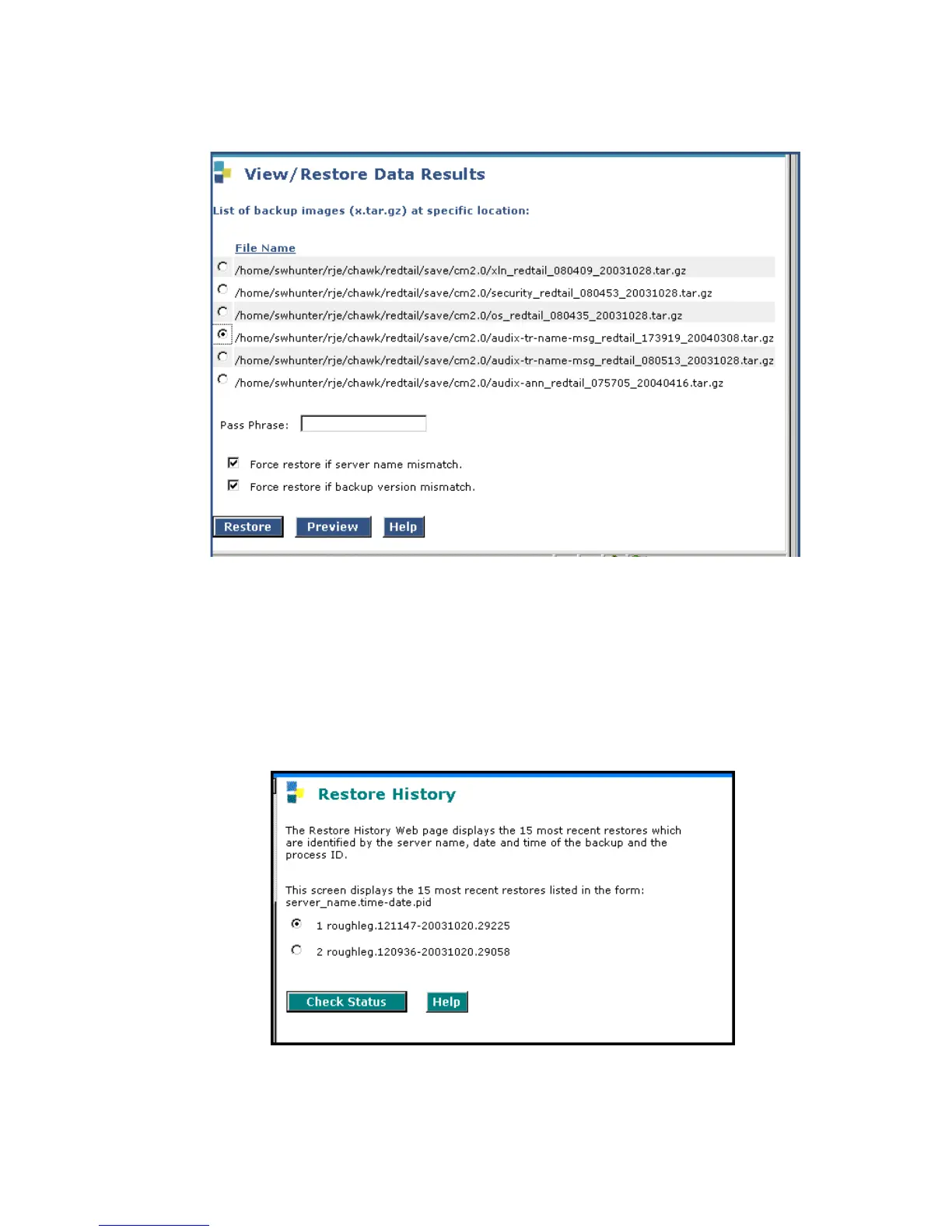
View/Restore Data Results screen
3. Select the AUDIX Translations, Names, and Messages backup set (that is, the file with
audix-tr-name-msg in the filename)
4. Select both Force options, and click Restore.
To monitor the restore progress:
1. Select Restore History.
The Restore History screen displays.
Restore History screen





 To Next Page