Post-upgrade tasks
Issue 9.1 June 2006 287
2. Select the backup set being restored, and click Check Status.
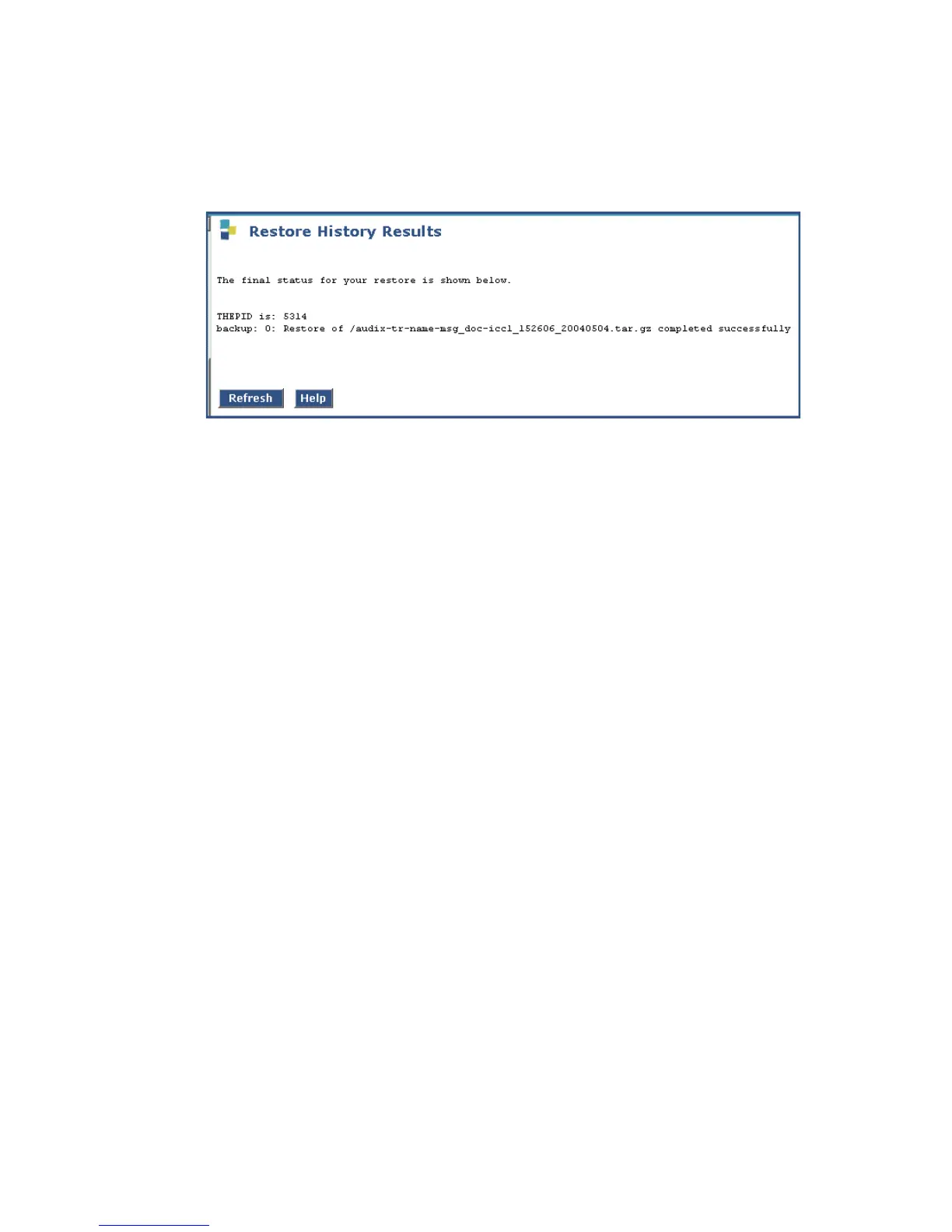
The Restore History Results screen displays.
Restore History Results screen
3. Click Refresh periodically until the Completed Successfully message appears.
This restore process could take 30 minutes or longer.
Note:
Note: Warning messages similar to the message shown on this screen are expected
and do not require any action.
To restart Communication Manager and IA770
1. Access the server’s command line interface using an SSH client, like PuTTY, and an IP
address of 192.11.13.6.
2. Type stop -ac
3. Type start -ac
4. Ensure that all Communication Manager processes come up.
To monitor the startup of IA770:
1. Type watch /VM/bin/ss
The display will periodically refresh automatically. When you see the following display, the
IA770 startup is complete.





 To Next Page