Upgrading an existing S8300B to R3.1 using the Upgrade Tool
330 Installing and Upgrading the Avaya G700 Media Gateway and Avaya S8300 Media Server
Running the upgrade
Follow these steps:
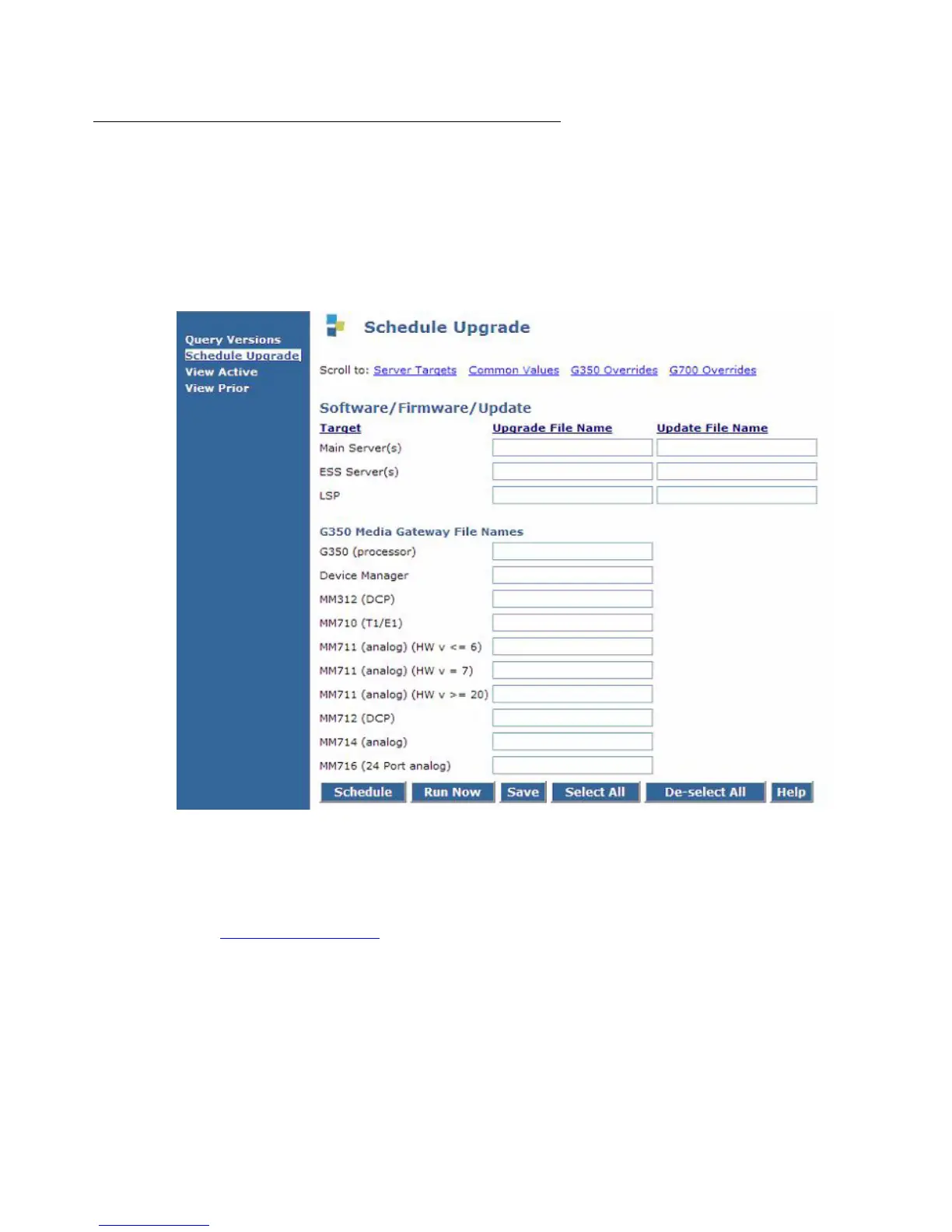
1. To set up and schedule upgrades, click Schedule Upgrade.
The Schedule Upgrade screen appears. At the bottom of the screen, the system displays all
main servers, LSPs, and gateway targets that are administered.
2. Fill in all appropriate fields. Click Help for information about the fields on the screen.
Note:
Note: The file names must be entered in the correct format. Do not change the names
of the firmware files in the process of loading them onto the TFTP servers. See
Firmware file formats
on page 203.
Use the information from the planning forms or Upgrade Worksheets to complete the
Software/Firmware fields.





 To Next Page