Before Going to the Customer Site
Issue 9.1 June 2006 145
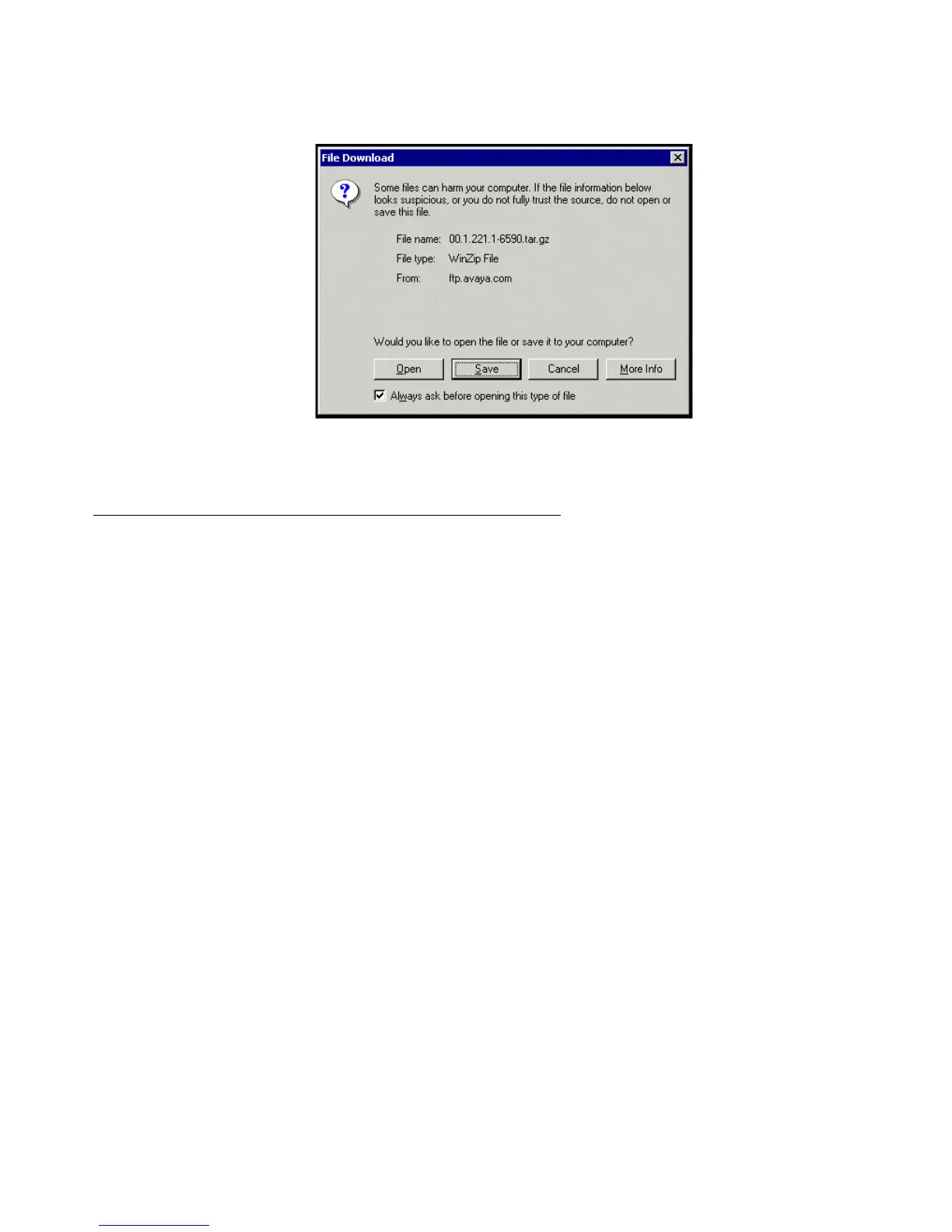
File download window
7. Click the Save button and browse to the directory on your laptop in which you want the file
saved.
If using IA770, obtaining service pack and language files
If IA700 will be installed, determine whether an service pack is needed and/or optional
languages are used. If so, obtain the data files.
Obtaining an IA770 service pack file
If an IA770 service pack is required after the upgrade, obtain the service pack file from the
Avaya Support web site.
To obtain an IA770 service pack file
1. On the Avaya Support website, double click on Find Documentation and Downloads by
Product Name.
2. Select:
> IA 770 INTUITY AUDIX Messaging Application.
> Downloads
> IA770 INTUITY AUDIX Embedded Messaging Application Patches
3. Scroll down and double click on the desired service pack file name. For example,
C6072rf+b.rpm.
4. Click on Save and browse to the location on your laptop where you want to save the file.




 To Next Page