Manual installation of a new G700 with an S8300
478 Installing and Upgrading the Avaya G700 Media Gateway and Avaya S8300 Media Server
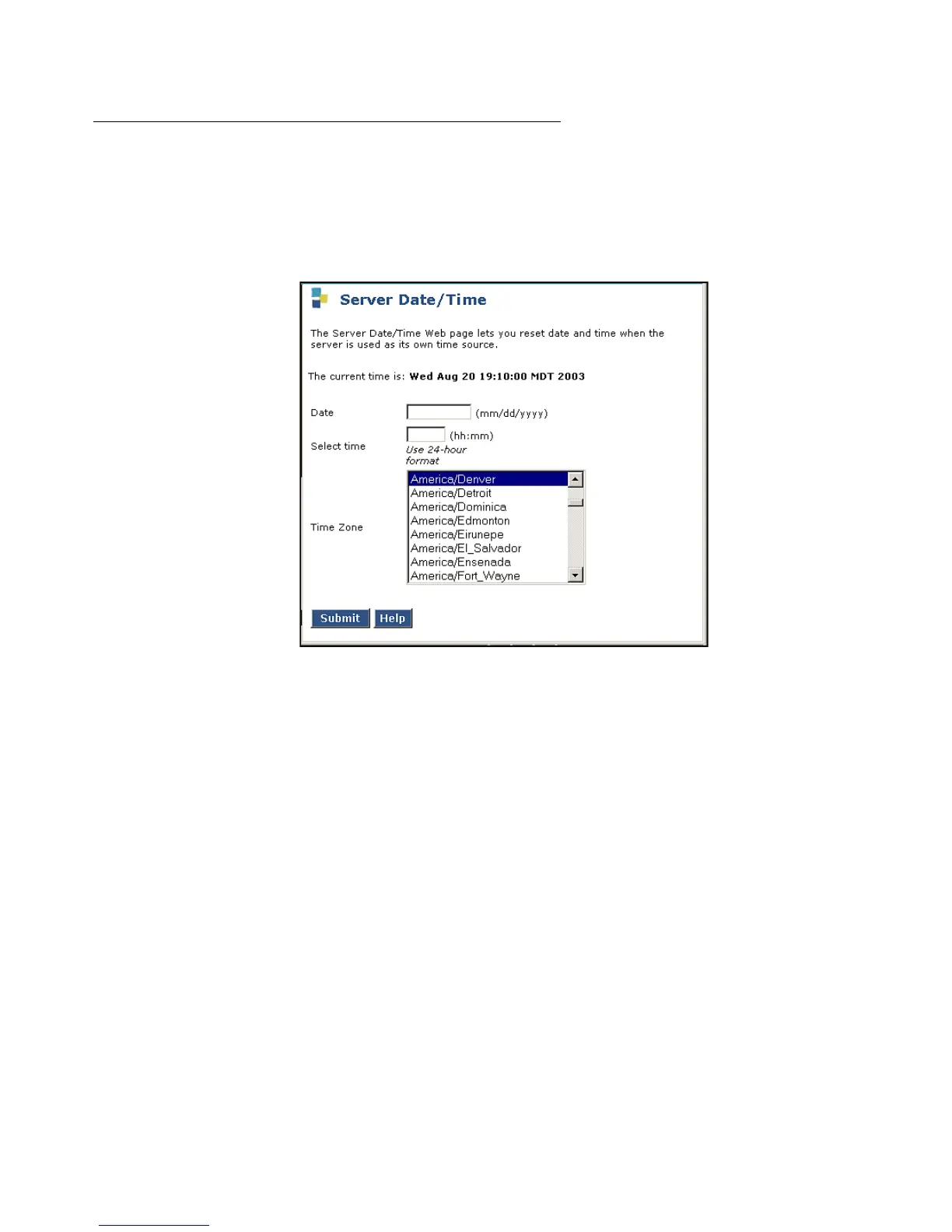
Verifying the Time, Date, and Time Zone
To verify the Time, Date, and Time Zone:
1. Under Server click Server Date/Time.
Server Date/Time Window
2. Verify or set the media server's time close enough to the NTS's time, date, and time zone
that synchronization can occur (within about 5 minutes).
Installing License and Authentication Files
To install license and authentication files
1. Under Security, select License File.
The License File screen displays.




 To Next Page