Install the S8300
Issue 9.1 June 2006 479
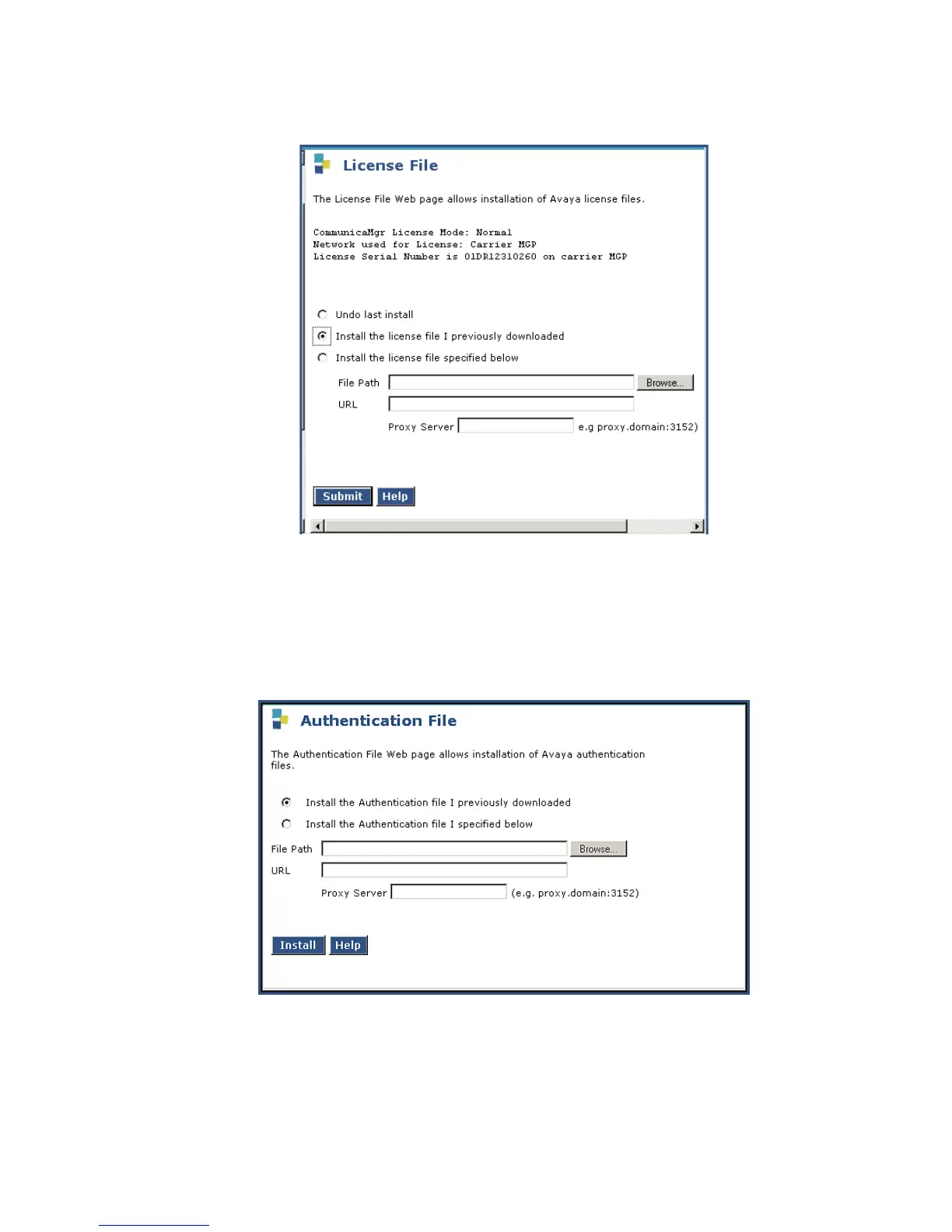
License File Screen
2. Select "Install the license file I previously downloaded" and click Submit.
The system tells you the license is installed successfully.
3. Under Security, select Authentication File.
The Authentication File screen displays.
Install Authentication Screen
4. Select "Install the Authentication file I previously downloaded" and click Install.
The system tells you the authentication is installed successfully


 To Next Page
 Loading...









