Upgrade the S8300
Issue 9.1 June 2006 699
Ignore this message. You must wait until the restart/reset completes before entering
additional commands.
The media server displays a message that the software update (patch) was applied.
9. Type update_show again and press Enter to list Communication Manager files to verify
the new software update file was activated.
Install updated license and authentication files
To install the license and authentication files:
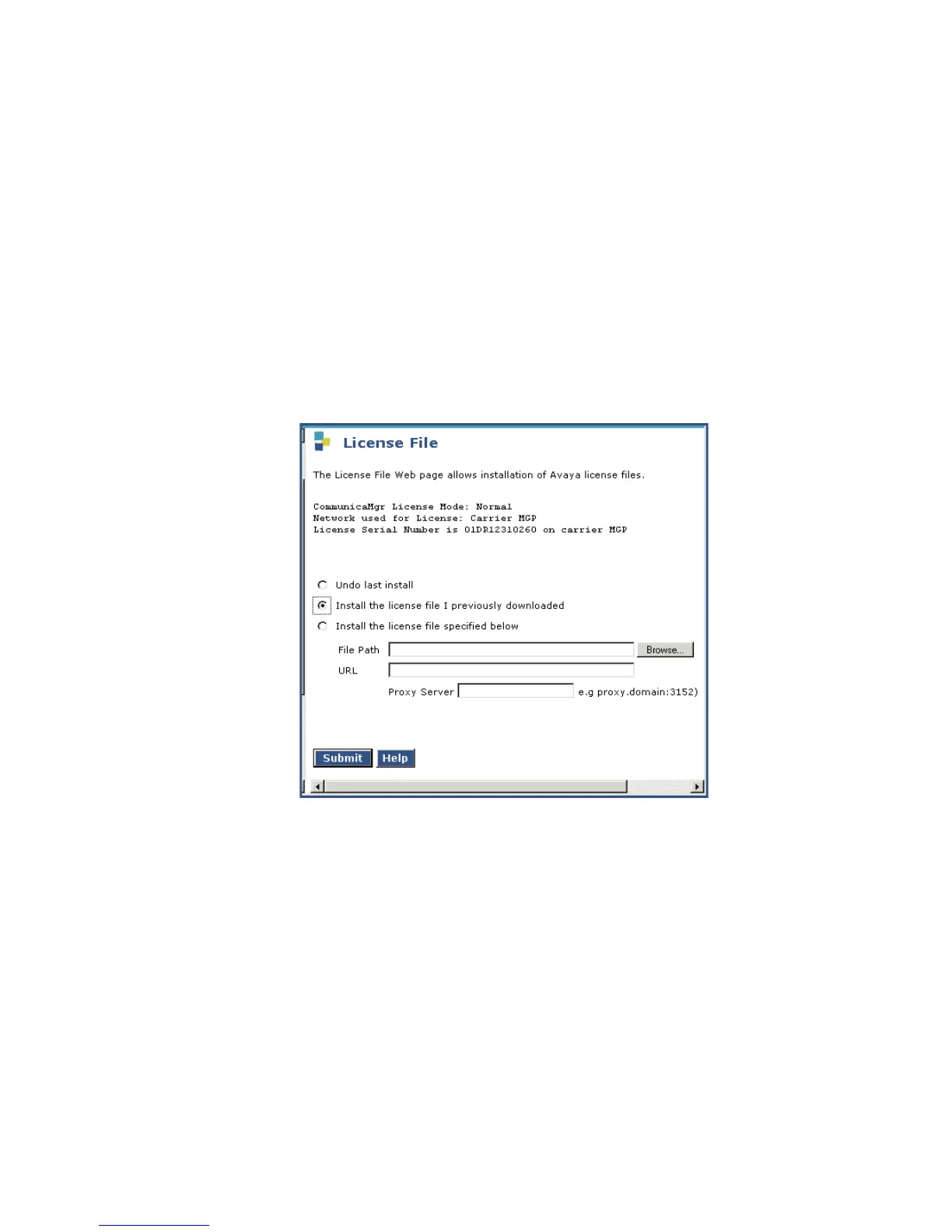
1. On the Maintenance Web Interface menu under Security, select License File.
The License File screen displays.
License File Screen
2. Select Install the license file I previously downloaded and click Submit.
The system tells you the license is installed successfully.
3. Under Security, select Authentication File.
4. The Authentication File screen displays.





 To Next Page