Terminal server installation
Issue 9.1 June 2006 401
How is the terminal server cabling connected
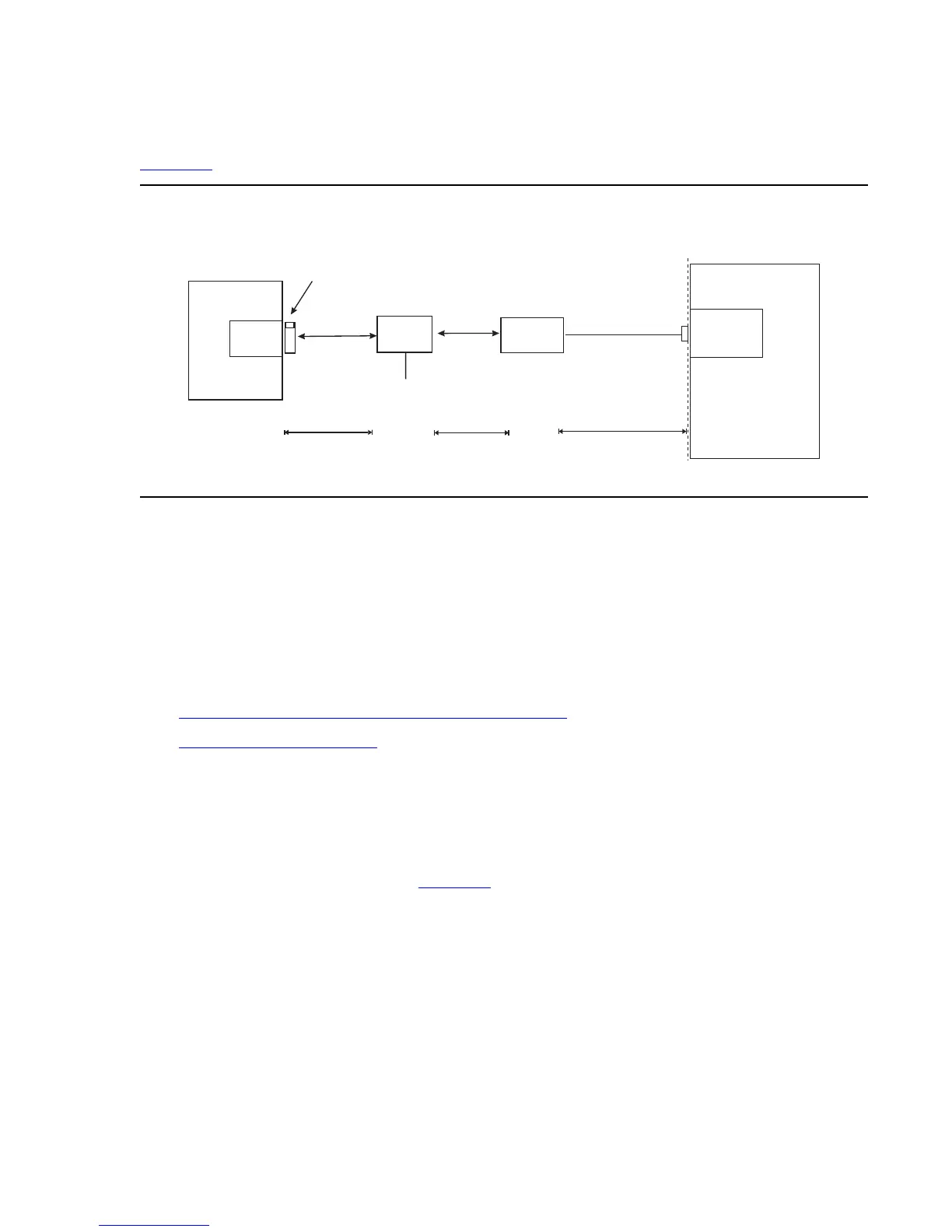
Figure 37 shows the connection between the terminal server port and a call accounting system.
Figure 37: Stand-alone call accounting system link using a terminal server
Note:
Note: You can connect the S8300 Media Server directly to the terminal server with a
data crossover cable. This connection eliminates the need for a hub or router in
the middle, but the connection also allows the S8300 Media Server and the
terminal server to communicate only with each other. With this connection, the
S8300 Media Server and the terminal server should be configured with the same
subnet.
The general connection process requires:
● Connecting the IOLAN+ to the adjunct and the LAN on page 401
● Administering the IOLAN+ on page 402
● Test the connectivity back through the switch
Connecting the IOLAN+ to the adjunct and the LAN
Connect the adjunct to the IOLAN+, using the RJ45-to-DB25 cable and the null modem. You
can use a male/female adapter. See Figure 38
.
clan2gca.cdr
50 Ft. Maximum
Standalone
Call Accounting
Call
Accounting
Port
Demarcation
Point
M25A or M25B
RS232 Cable
«
C-LAN
Switch
Hub or
Router
328 ft max
(100 m)
328 ft max
(100 m)
AC Power
Terminal Server
RJ45 Cat 5
Modular Cord
RJ45 Cat 5
Modular Cord
259A Adapter,
356A Adapter (Jack #1), or
258B Adapter (Jack #1)




 To Next Page