Upgrading an existing S8300A to R3.1 using the Web pages
288 Installing and Upgrading the Avaya G700 Media Gateway and Avaya S8300 Media Server
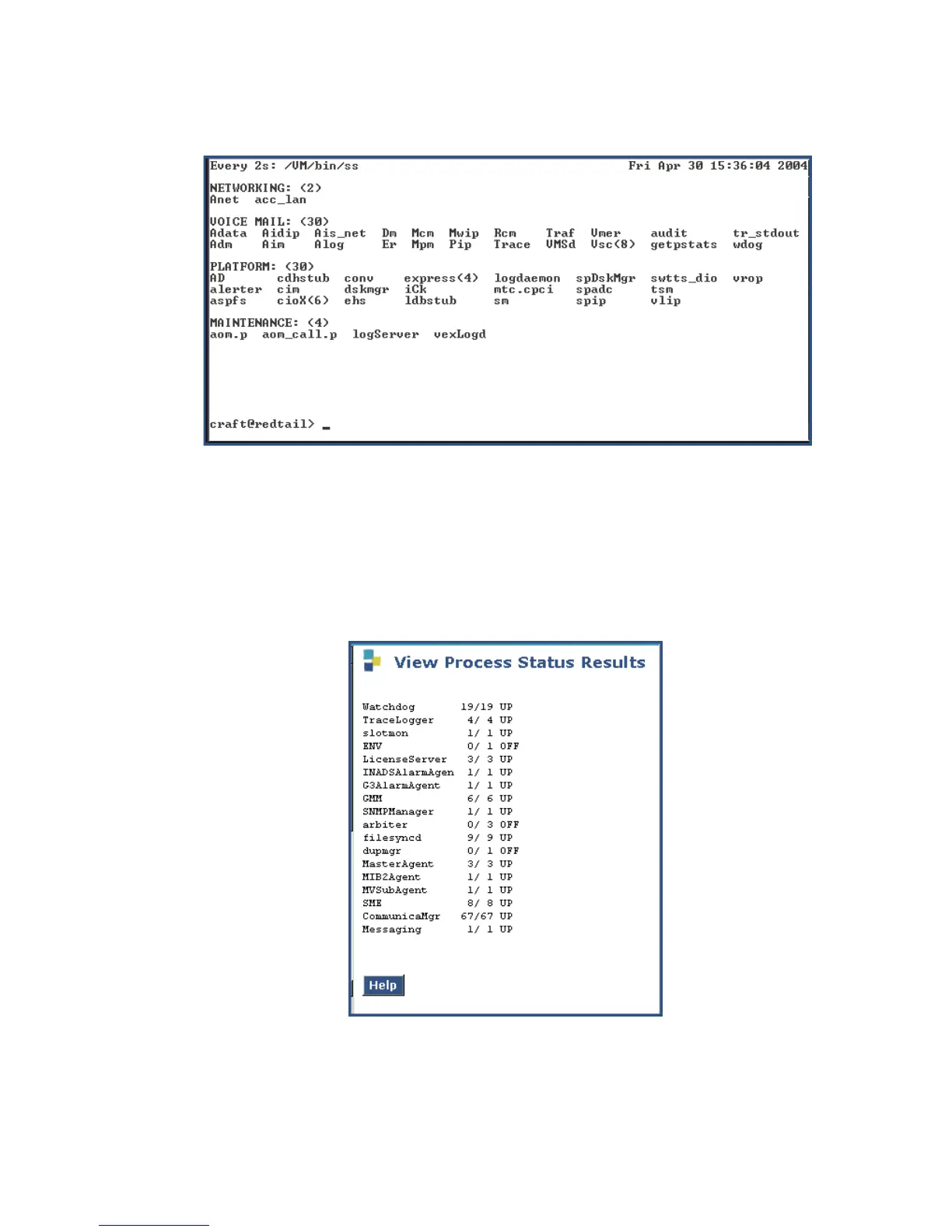
IA770 startup complete screen
2. Press Ctrl+C to break out of the watch command.
To verify operation:
1. In the Maintenance Web Interface, under Server, click Process Status.
2. Select Summary and Display once and click View.
the View Process Status Results screen displays.
View Process Status screen





 To Next Page