Using the Avaya Installation Wizard (IW)
Issue 9.1 June 2006 165
● Optional Services - you can identify any or all of these optional services for this installation:
- Uninterruptible Power Supply (UPS) - identify the UPS system on the network for this
solution
- Domain Name Service (DNS) - identify the DNS servers on the customer network
- Network Time Protocol (NTP) - select the NTP option for time-of-day (TOD)
synchronization for this solution. Depending on the solution, additional screens allow you
to define NTP server IP addresses, trusted keys (if necessary), multicast client support,
and other support.
- Remote access/INADS support - configure INADS remote support information obtained
from the ART tool.
● Stack Processor - configure the P330 Stack Processor to access the LAN, and configure
IP routing (EPW fills this in)
● Translations - use the IW to create basic translations, or defer translations until after the
installation is completed (using SAT, ProVision, ASA, or another Integrated Management
tool)
● Security Files - install license and authentication files for this solution from the laptop
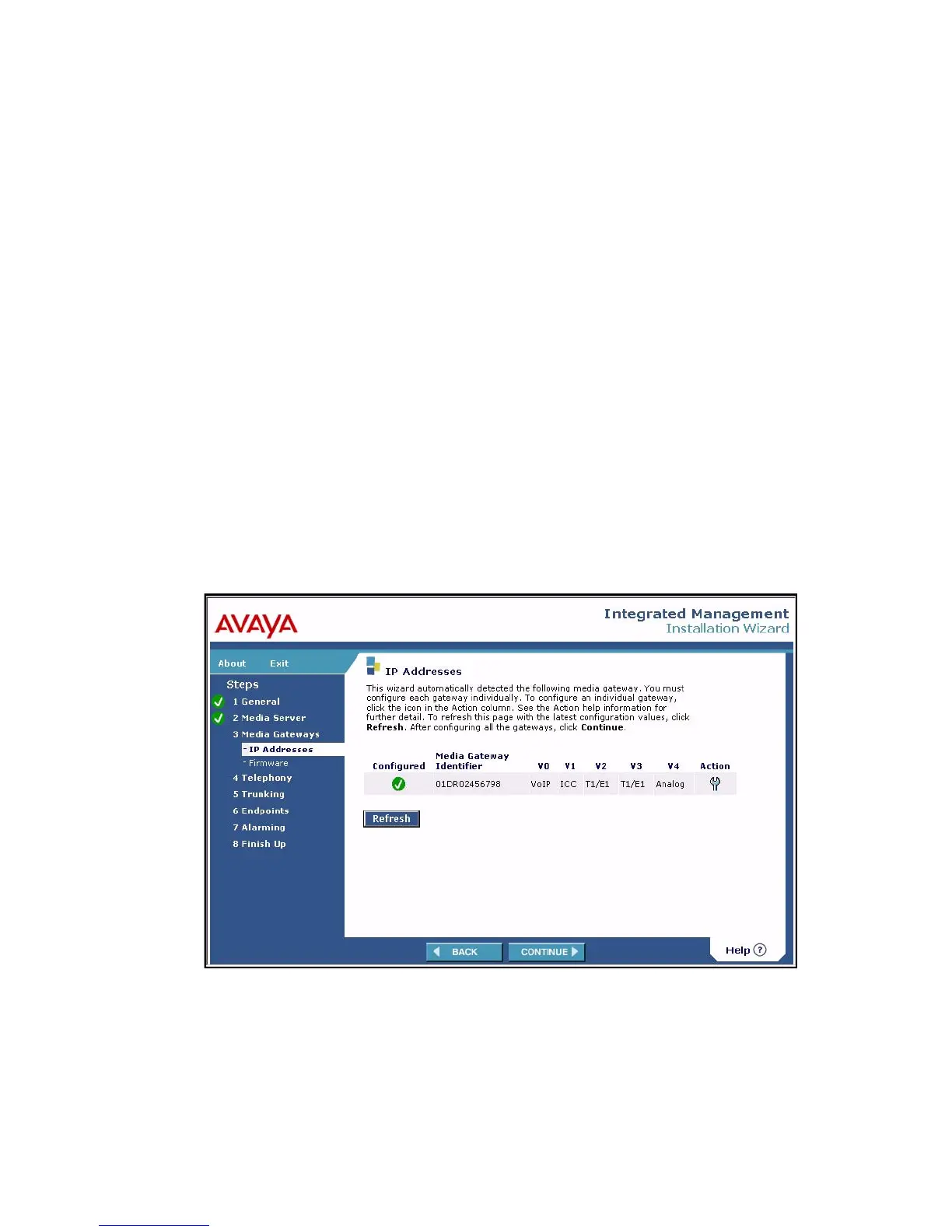
When you are finished with the Media Server screens, click Continue. The Media Gateway
screens display. The first of these is the IP Addresses screen.
IP Addresses screen





 To Next Page