Using the Avaya Installation Wizard (IW)
Issue 9.1 June 2006 167
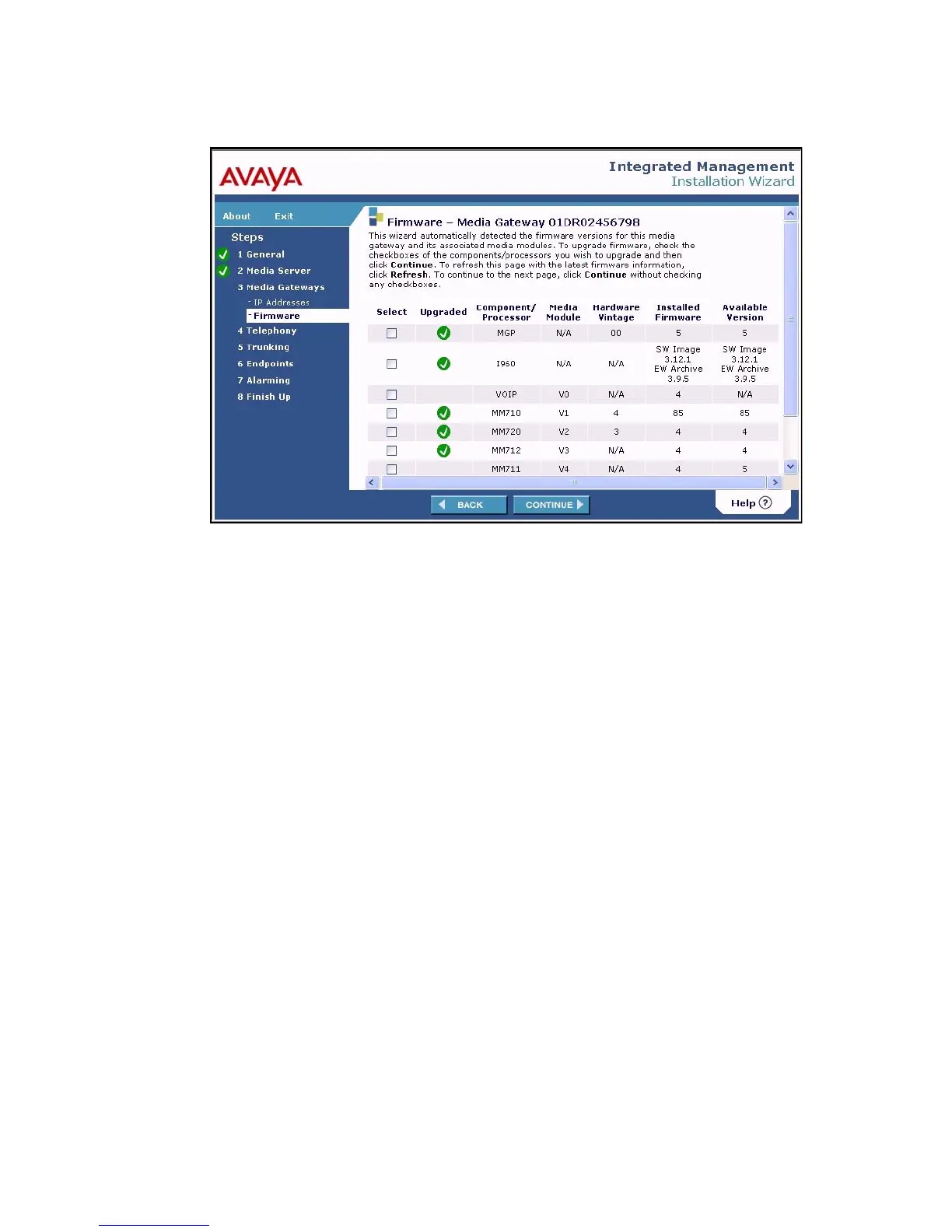
Firmware - Media Gateway <serial number> screen
This screen shows for both the Media Gateway and its media modules the firmware resident on
the component and the available versions of firmware present in the /tftpboot directory on the
media server.
Note:
Note: New firmware can be uploaded from the previous screen. Click Back to return to
that page.
From the Firmware screen, click Upload firmware. The Firmware File Upload screen
displays.





 To Next Page