Using the Avaya Installation Wizard (IW)
Issue 9.1 June 2006 169
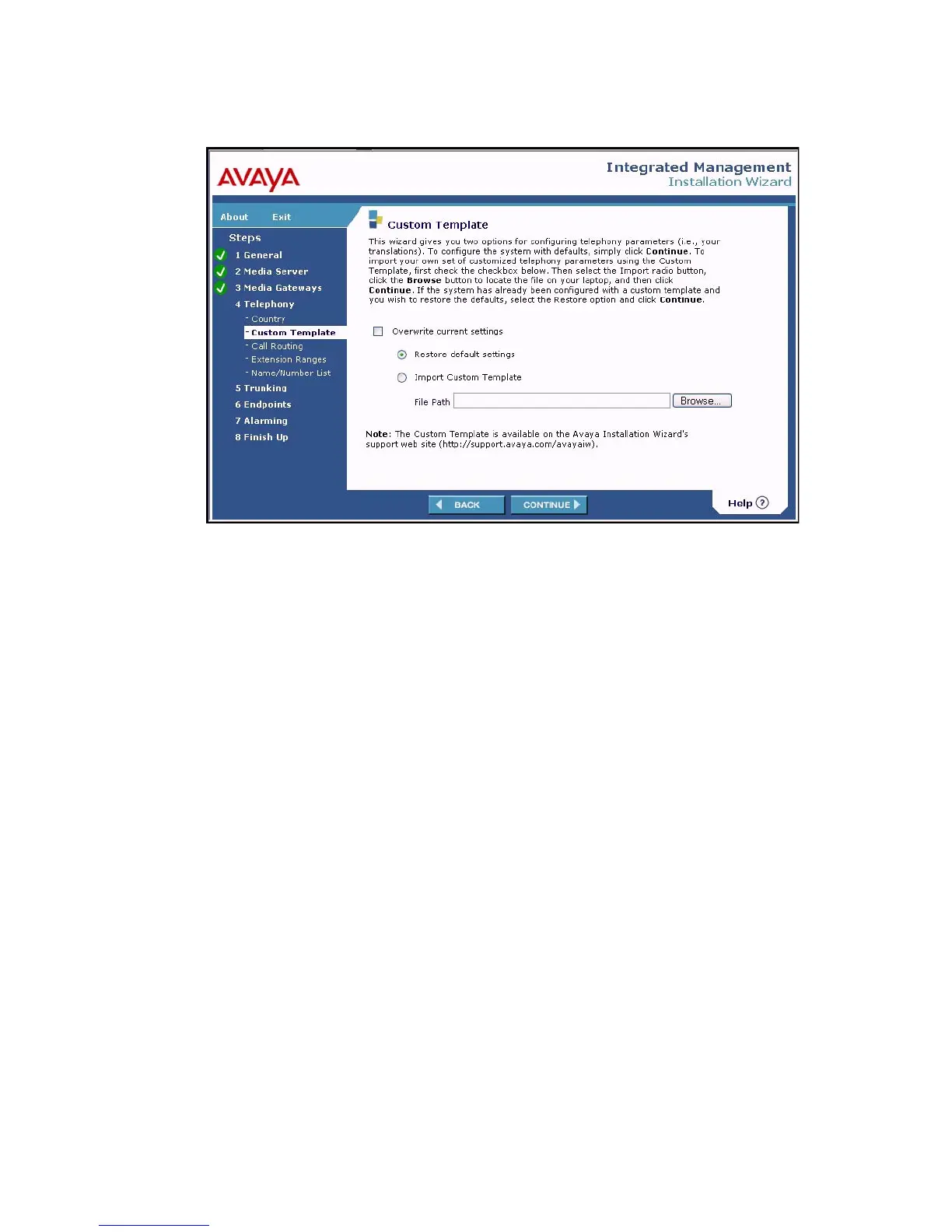
Custom Template screen
You can configure the system with default telephony settings, or you can configure your own set
of custom telephony parameters by importing the Custom Template. Select the Import Custom
Template radio button, then browse to the location on your laptop where you have stored the
Custom Template, and click Continue.
After the Call Routing and Extension Ranges screens, the Name/Number List screen
displays.





 To Next Page