Preparing for the upgrade on-site
Issue 9.1 June 2006 249
!
CAUTION:
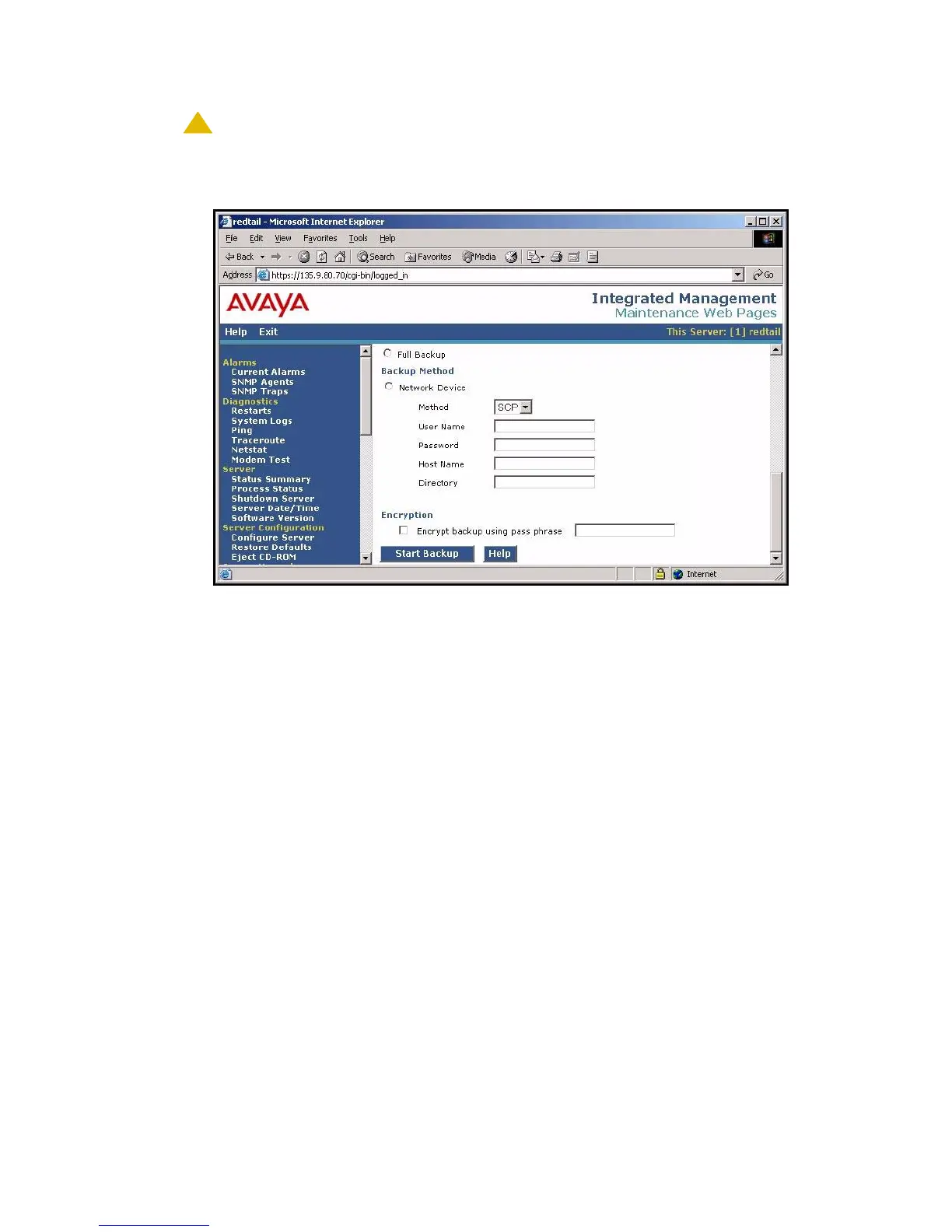
CAUTION: Selecting the Full Backup radio button does NOT include AUDIX files.
Backup Now screen (Part Two)
4. Select FTP for the backup method.
Fill in the User Name, Password, Host Name, and Directory fields with information provided
by the customer.
5. Click Start Backup to back up the files.
Note:
Note: The backup and restore processes use the ping service to check connectivity to
the backup server. If a backup or restore operation fails, ensure that the ping
service is enabled:
i. On the Maintenance Web Interface, under Security, select Firewall.
ii. In the Service column, find ping.
iii. The checkboxes for both Input to Server and Output from Server should be
checked.
6. To check the status of the backup,
a. Click Backup History on the main menu.
b. Select the backup set and click Check Status.
You can click Refresh to update the screen while the backup is running.





 To Next Page