Upgrading the S8300A
Issue 9.1 June 2006 261
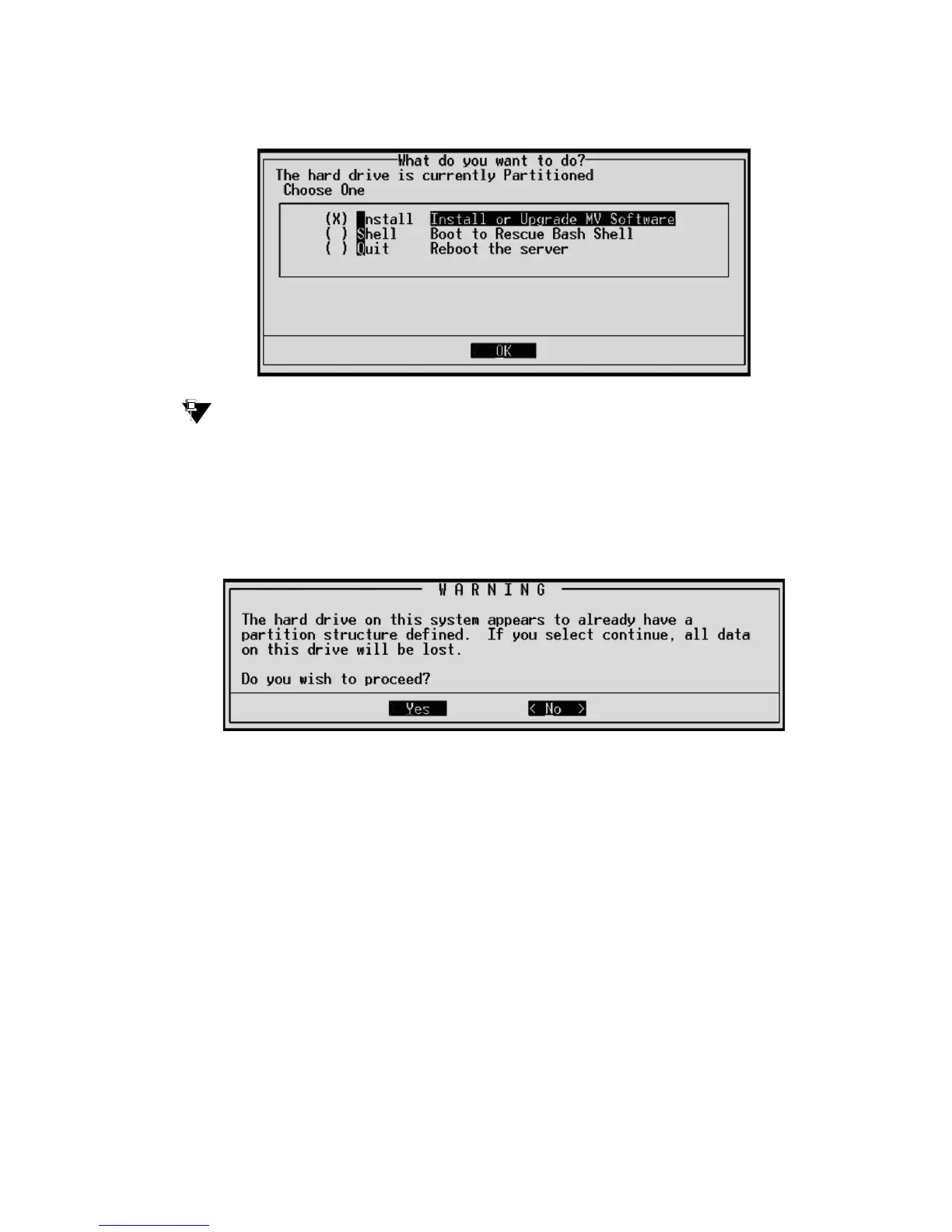
The first RP screen
I
Tip:
Tip: To navigate on these screens, use the arrow keys to move to an option, then
press the space bar to select the option. Press Enter to submit the screen.
4. Select Install and press Enter.
If a Warning screen appears,
RP Warning screen
select Yes and press Enter.
Note:
Note: At this point, the installation script looks for the Server CD either on your laptop or
in a CD drive connected to the USB port. If you do not have the TFTP server
running on the laptop, and a CD drive is not attached to a USB port, you will see
the Select Installation Media screen:





 To Next Page