Upgrading an existing S8300B to R3.1 using the Upgrade Tool
320 Installing and Upgrading the Avaya G700 Media Gateway and Avaya S8300 Media Server
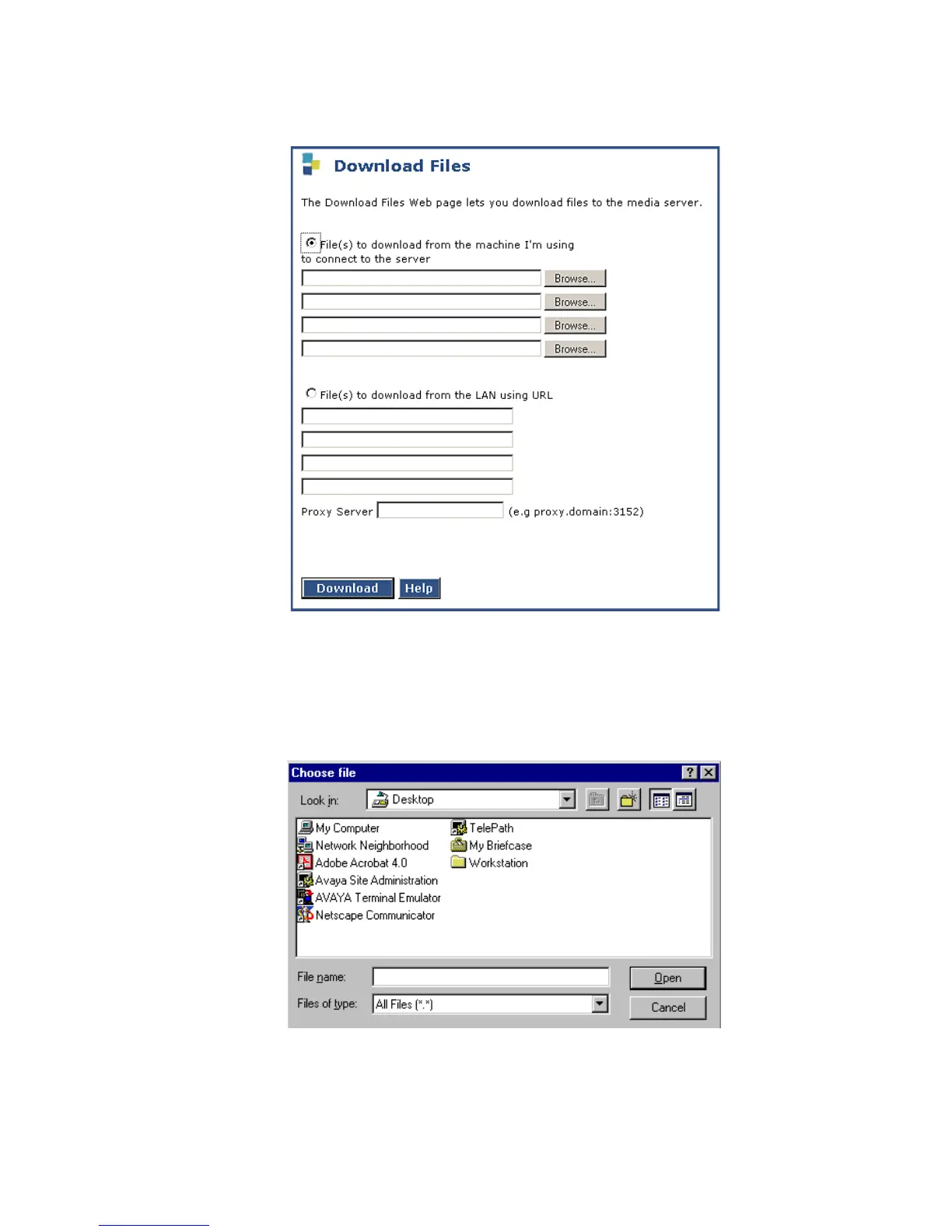
Download Files screen
3. Select Files to download from the machine I’m using to connect to the server and click
Browse for the first field.
The S8300 displays the Choose File screen, which allows you to select files from your
laptop.
Choose File Screen





 To Next Page