Upgrading an existing S8300B to R3.1 using the Upgrade Tool
324 Installing and Upgrading the Avaya G700 Media Gateway and Avaya S8300 Media Server
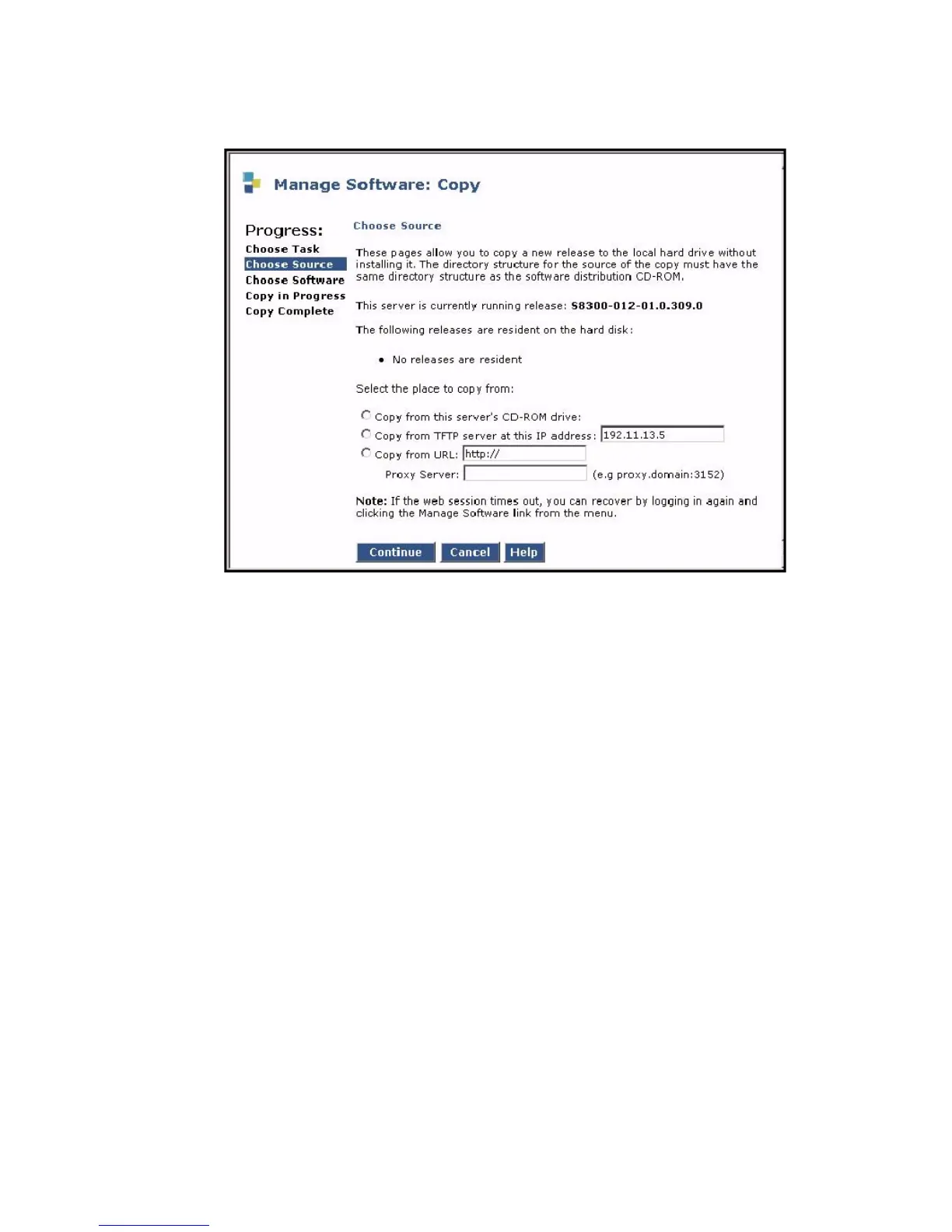
Choose Source screen
Possible sources include:
● This server’s CD-ROM drive
● TFTP server at IP address (default is local laptop at 192.11.13.5)
● IP address or URL specified in Copy from URL: field, including the subdirectory
/Releases. For example, if the URL is http://denver-server.com, then the complete URL
will be http://denver-server.com/Releases.
If you select the Copy from this server’s CD-ROM drive: radio button, all available CD
drives are checked. The first drive found with a valid release is used, in the event multiple
CD drives are actually present. If you select
The Choose Software screen displays.





 To Next Page