Upgrading an existing S8300B to R3.1 using the Upgrade Tool
328 Installing and Upgrading the Avaya G700 Media Gateway and Avaya S8300 Media Server
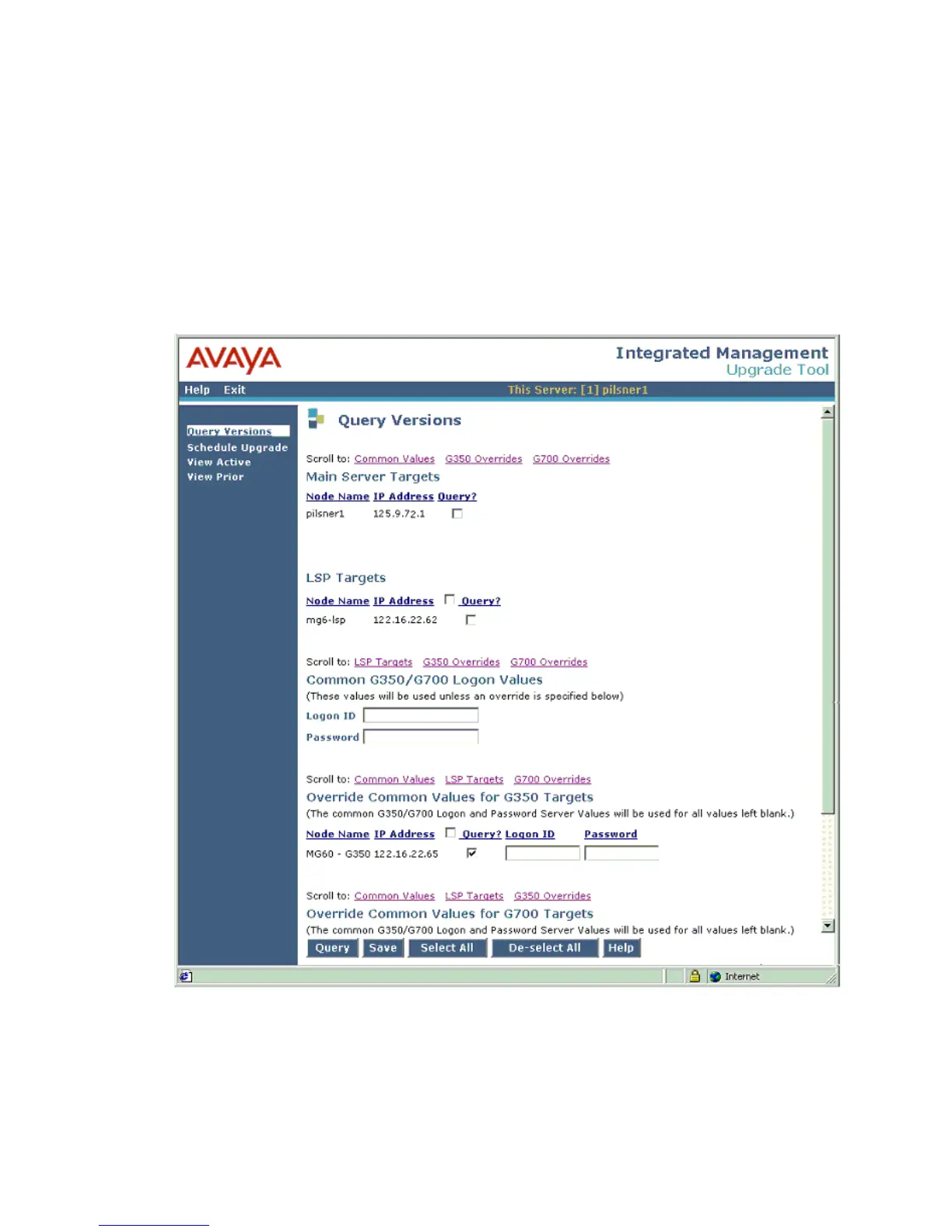
3. Select Initiate New Query and click Submit.
It could take several minutes to complete a new query. The time a new query takes depends
on the number of LSPs and gateways that are in the configuration. The system
automatically finds and lists the primary controller, LSPs, and G700 Media Gateways
registered with the primary controller. Additionally, the media modules are listed for each
media gateway.
Because of the potential length of this screen, hot links are provided in each section so you
can jump to the other sections.





 To Next Page