Telephones and adjunct systems
360 Installing and Upgrading the Avaya G700 Media Gateway and Avaya S8300 Media Server
4. Install cross-connect jumpers to connect the pins from the 2-wire digital station to the
appropriate pins on the MM711 Media Module. Table 20
shows a pinout chart for two-wire
stations.
5. Administer using Administrator Guide for Avaya Communication Manager, 03-300509.
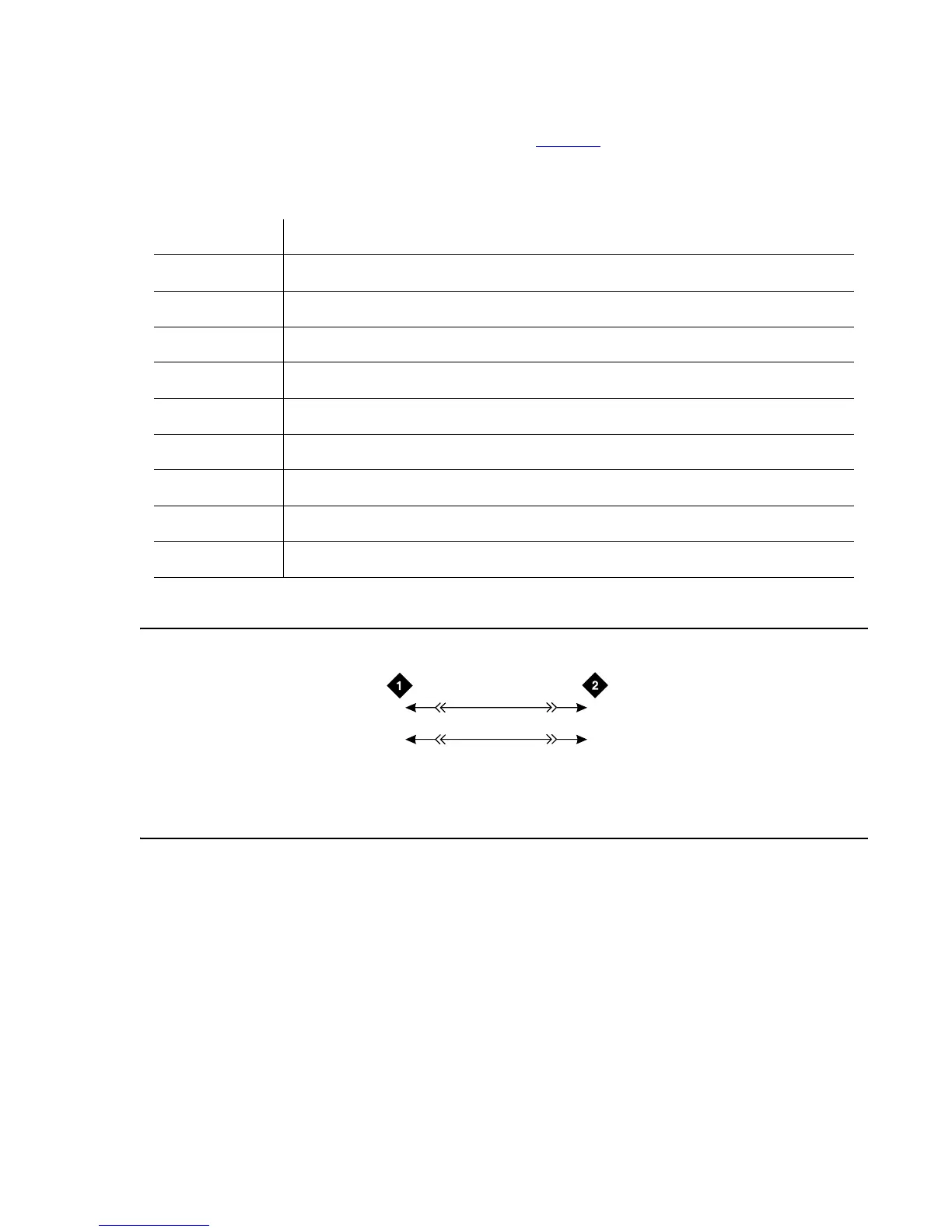
Figure 23: 2500-Type Analog Telephone Wiring
Table 20: Two-Wire Station Pinout Chart
Jack Name 1 2 3 4 5 6 7 8
BRI-T
+TX +RX -RX -TX -V GND
ADJUNCT
+Vadj T0 -V GNDVoice RRVoice +V S0 TTVoice
DSS (QUEST)
DTX DRX OKdig -V +V
DSS (ISDN)
BRI-A
GND TX RX -V
BRI-U
TX RX -V GND
DCP
TX1 TX2 RX1 RX2 -V +V
ANALOG
TIP RING
HANDSET
-TX +RX -RX +TX
Figure notes:
1. 2500-Type Analog Station 2. MM711 Analog Media Module, Position 1V301
2
wir
RBP
71
3
28
03
2T
R
T. 3
R.3





 To Next Page