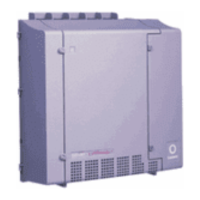
Manual installation of a new G700 with an S8300
484 Installing and Upgrading the Avaya G700 Media Gateway and Avaya S8300 Media Server
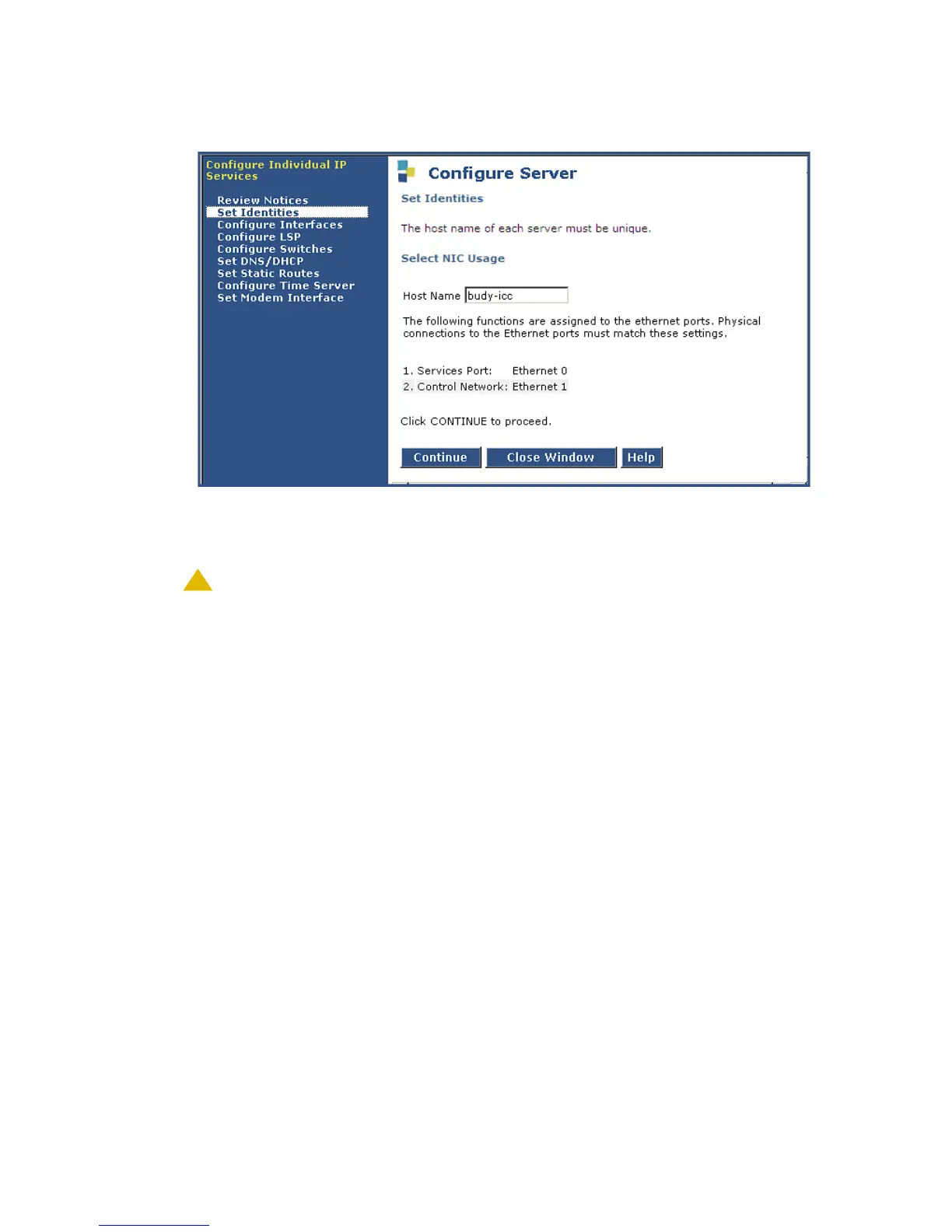
Set Identities Screen
6. Enter the host name for this server in the Host Name field (see your planning forms).
The host name uniquely identifies this server.
!
CAUTION:
CAUTION: If the S8300 on the G700 is hosting an IA 770 INTUITY AUDIX Messaging
Application with Digital Networking, the name must be 10 characters or less.
Note:
Note: The screen also lists the current physical cabling to the server. For example, the
Services laptop is connected to Ethernet interface 0. Ethernet functions are fixed
on the S8300 media server and cannot be changed.
7. Click Continue.
The Configure Ethernet Interfaces screen appears.




 To Next Page