Manual upgrade of an existing S8300A and G700 to R3.1
612 Installing and Upgrading the Avaya G700 Media Gateway and Avaya S8300 Media Server
To back up data
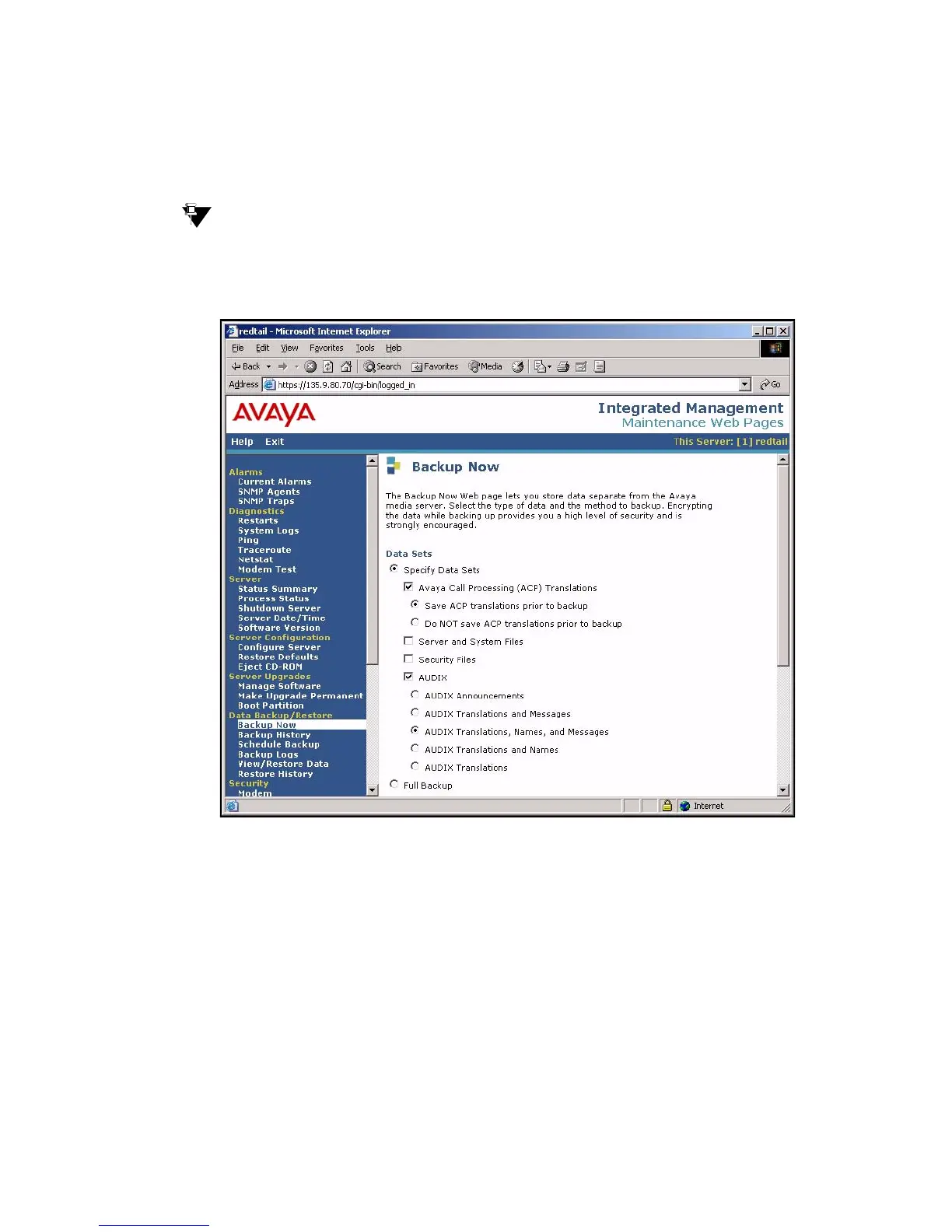
1. On the Maintenance Web Interface under Data Backup/Restore, click Backup Now.
The Backup Now screen displays.
Tip:
Tip: Depending on the Communication Manager software version, the following
screen may look slightly different.
Backup Now screen (Part One)
2. Select all data sets:
● Avaya Call Processing (ACP) Translations
● Save ACP translations prior to backup
Note:
Note: Select this option only if the S8300 is a primary controller. Do not select it if the
S8300 is an LSP.
● Server and System Files
● Security Files





 To Next Page