Upgrading the S8300A
Issue 9.1 June 2006 619
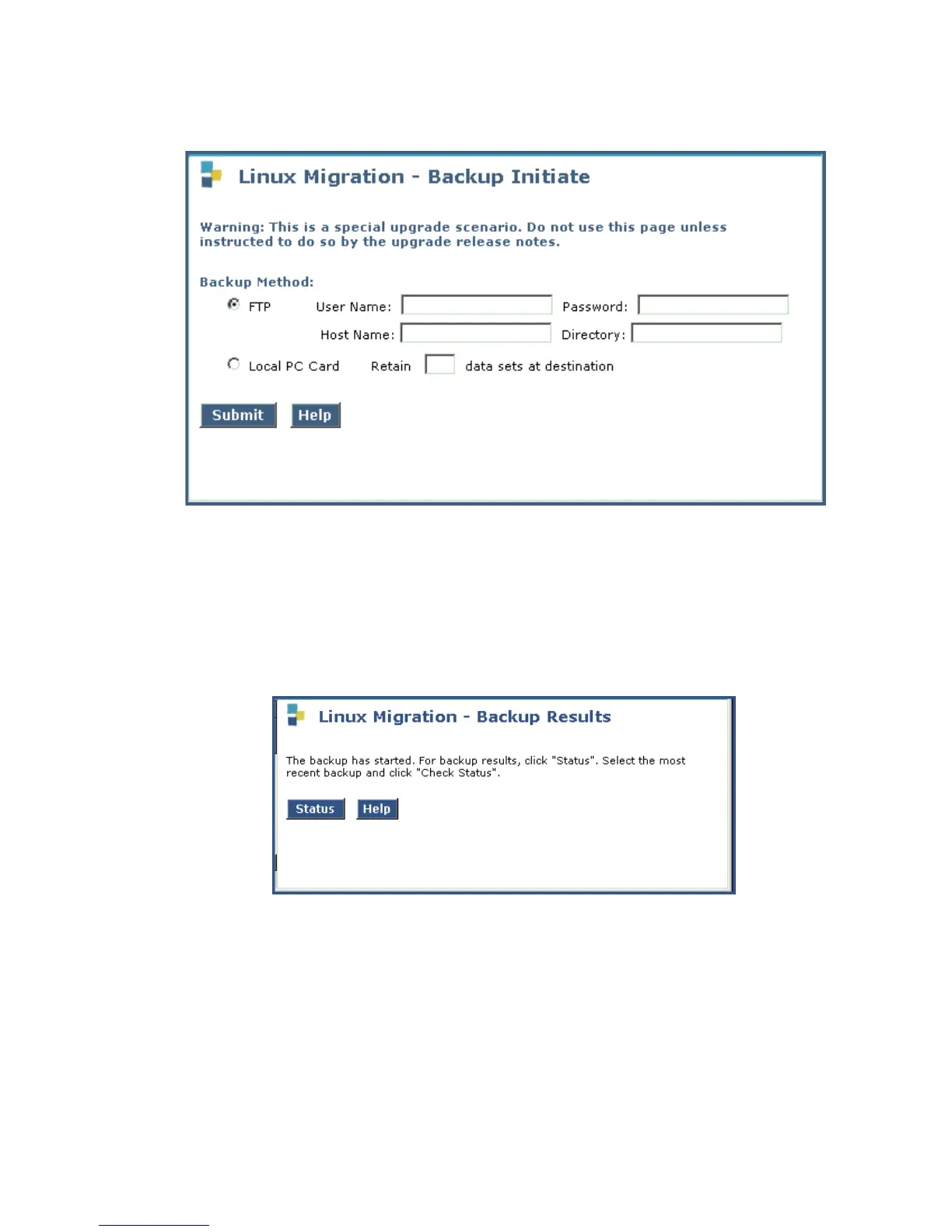
Linux Migration - Backup Initiate screen
3. Under Backup Method, select FTP
Fill in the User Name, Password, Host Name (or host IP address) and Directory fields
for the back up location. The backup location should be a server on the customer’s LAN.
Click Submit.
The Linux Migration - Backup Results screen displays.
Linux Migration - Backup Results screen
4. Click Status to see the backup progress.





 To Next Page