Post-upgrade tasks
Issue 9.1 June 2006 659
To monitor the startup of IA770
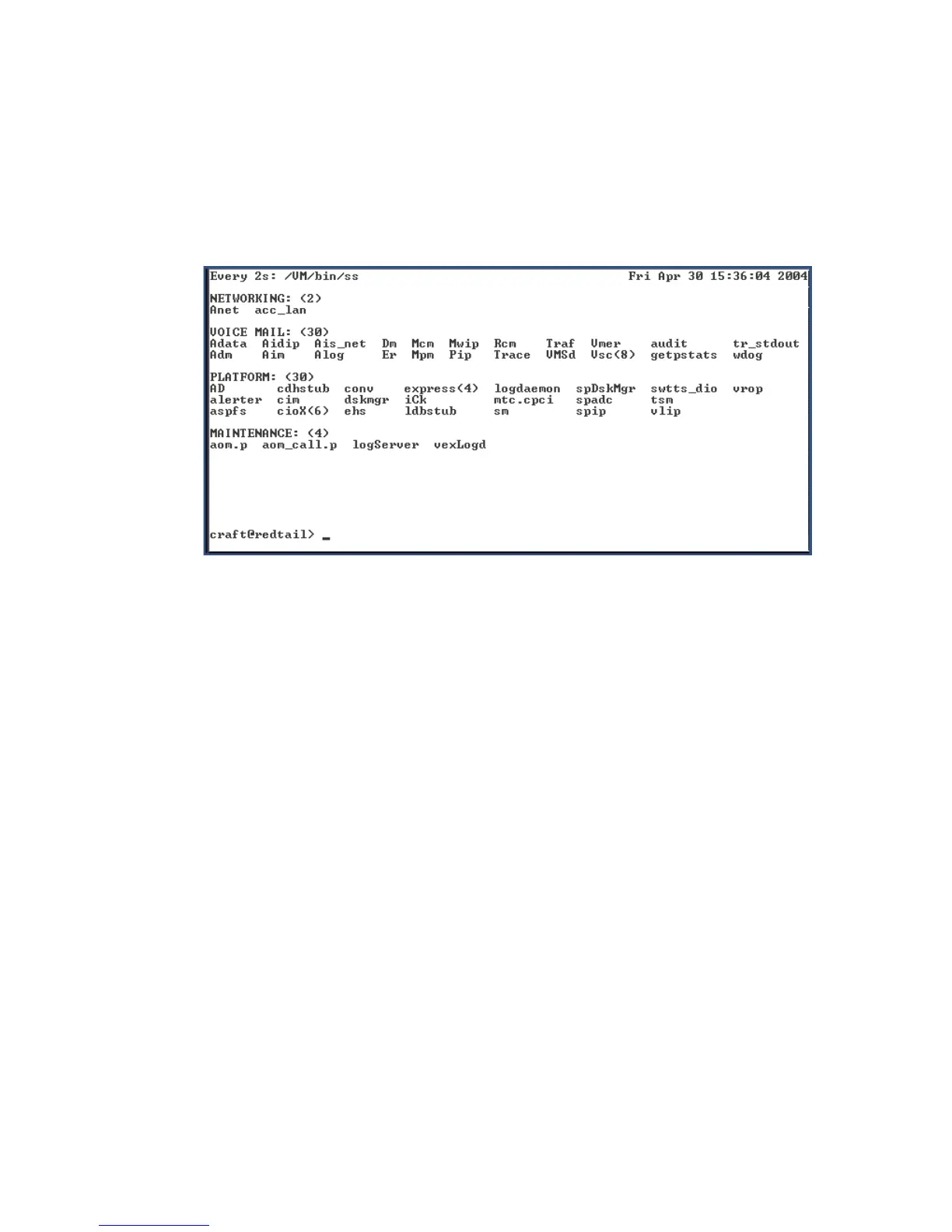
1. Type watch /VM/bin/ss
The display will periodically refresh automatically. When you see the following display, the
IA770 startup is complete.
IA770 startup complete screen
2. Press Ctrl+C to break out of the watch command.
To verify operation
1. In the Maintenance Web Interface, under Server, click Process Status.
2. Select Summary and Display once and click View.
the View Process Status Results screen displays.





 To Next Page