Manual upgrade of an existing S8300B and G700 to R3.1
680 Installing and Upgrading the Avaya G700 Media Gateway and Avaya S8300 Media Server
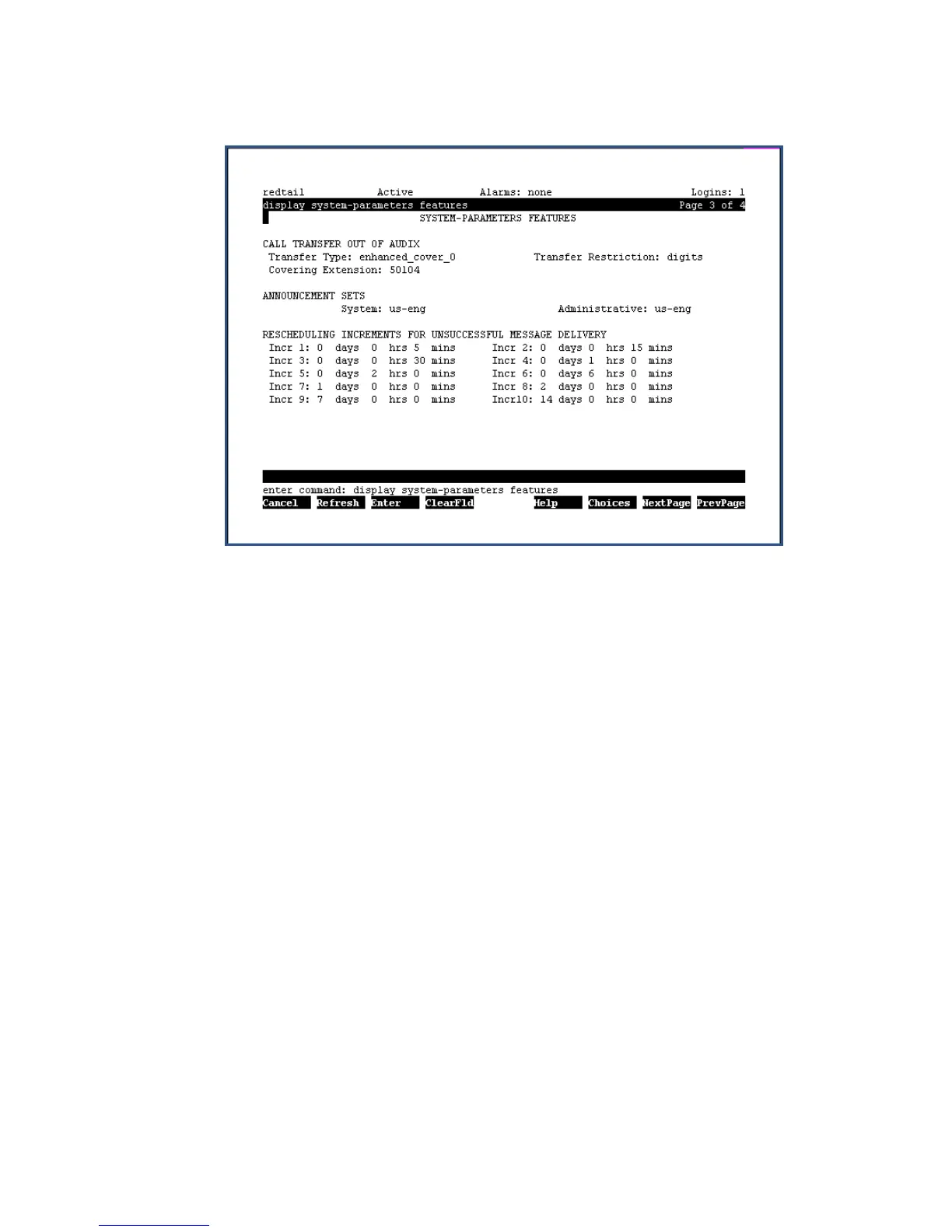
System Parameters Features screen
6. Under Announcement Sets, note the main system language listed after System: In this
example, the main system language is English (us-eng). If the system language is anything
other than us-eng or us-tdd, you will need to download the appropriate language files from
a language CD after the upgrade.
Note:
Note: Starting with release 2.1, only English language files (us-eng and us-tdd) are
included with the Communication Manager software. Before release 2.1, Latin
American Spanish and Canadian French (lat-span and french-c) were also
included.
To determine other languages
1. On the Maintenance Web Interface, under Miscellaneous select Messaging
Administration.
2. Select Utilities; then Software Management; then Messaging System Software Display.
The Messaging System Software Display screen displays.





 To Next Page