Manual upgrade of an existing S8300B and G700 to R3.1
692 Installing and Upgrading the Avaya G700 Media Gateway and Avaya S8300 Media Server
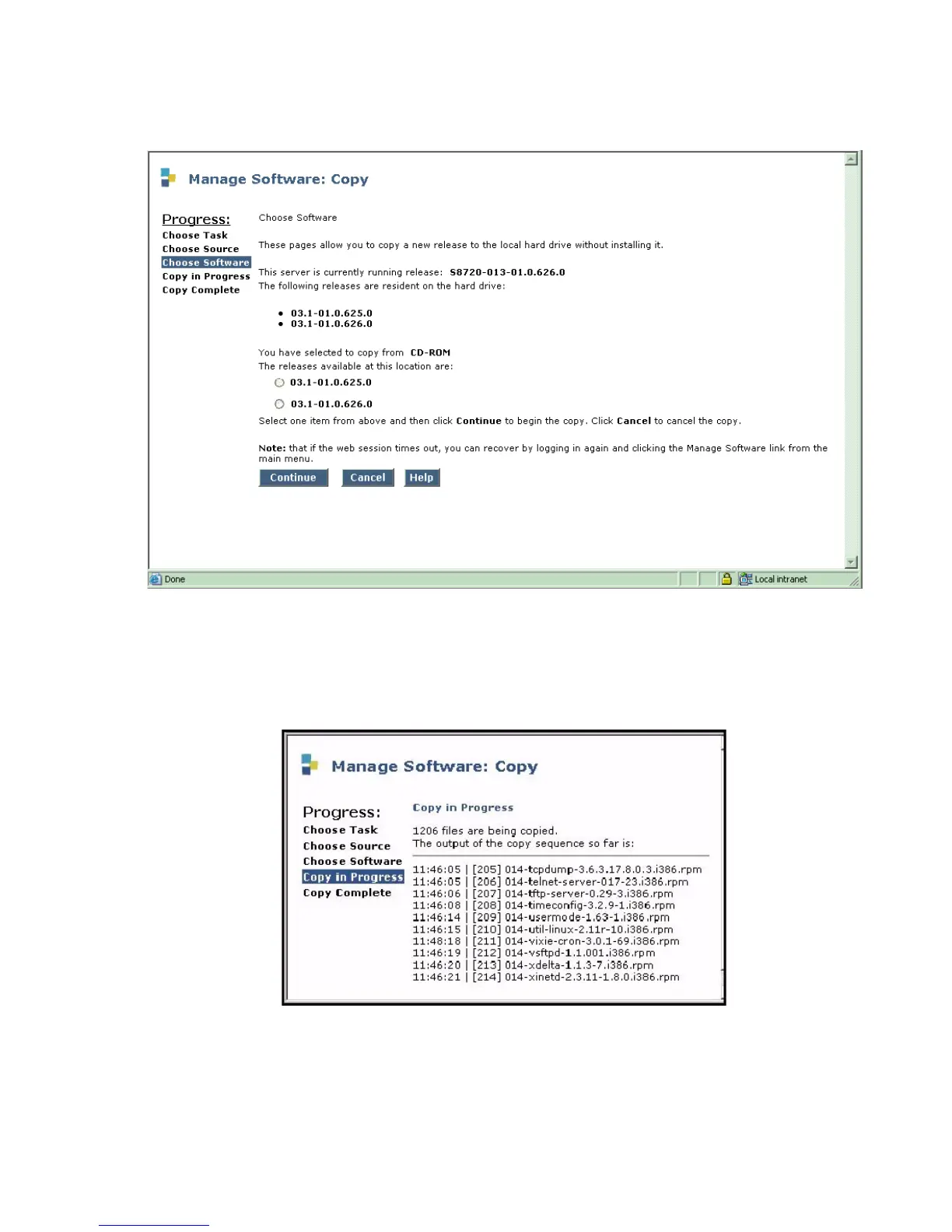
Choose Software screen
The screen is presented with no radio button selected.
5. Select the release to be copied and click Continue.
The system displays the Copy in Progress screen.
Copy in Progress screen
The screen lists each file as it is being copied to the S8300 hard drive. When the copy
completes successfully, the Copy Complete screen displays.





 To Next Page