Chapter 2: Pro Tools | Sync X Front Panel
5
11 CLOCK REF LED: Indicates the status of the Clock Reference source. Mirrors the Clock Ref Status indicator in the Pro Tools Ses-
sion Setup window, and also in Synchronization view in the Transport window and the Edit Window toolbar.
* expected rate = session sample rate +/– any pull up/down factor
12 VIDEO REF LED: Indicates the status of the Video Reference source. Mirrors the Video Ref Status indicator in the Pro Tools Ses-
sion Setup window, and also in Synchronization view in the Transport window and the Edit Window toolbar.
13 No functionality at this time.
Settings Display
The Settings Display provides four separate page views that show the current settings of Sync X. These pages are navigated by the Set-
tings Up and Down buttons to the right of the display. When either button is lit, it indicates that it can be pressed to move to the next or
previous page respectively. On the right of the display are four boxes, one for each page (1–4 from top to bottom).
Settings Display Page 1
Session Sample Rate
Displays the Session Sample Rate.
Video Reference Format
Displays the selected Video Reference Format.
Up Arrow
Shown above the Sample Rate display when there is an active Pull Up.
Down Arrow
Shown below the Sample Rate display when there is an active Pull Down.
VSO
“Shown below the Sample Rate display when VSO is enabled.
Settings Display Page 2
Session Sample Rate
Displays the Session Sample Rate.
Clock Reference Source
Displays the current Clock Reference Source.
Output Sample Rate
Displays the precise sample rate distributed to all clock outputs. This mirrors the Output Sample Rate display in
the Session Setup window.
VSO
If VSO is enabled, displays the VSO setting in semitones and cents (0.00).
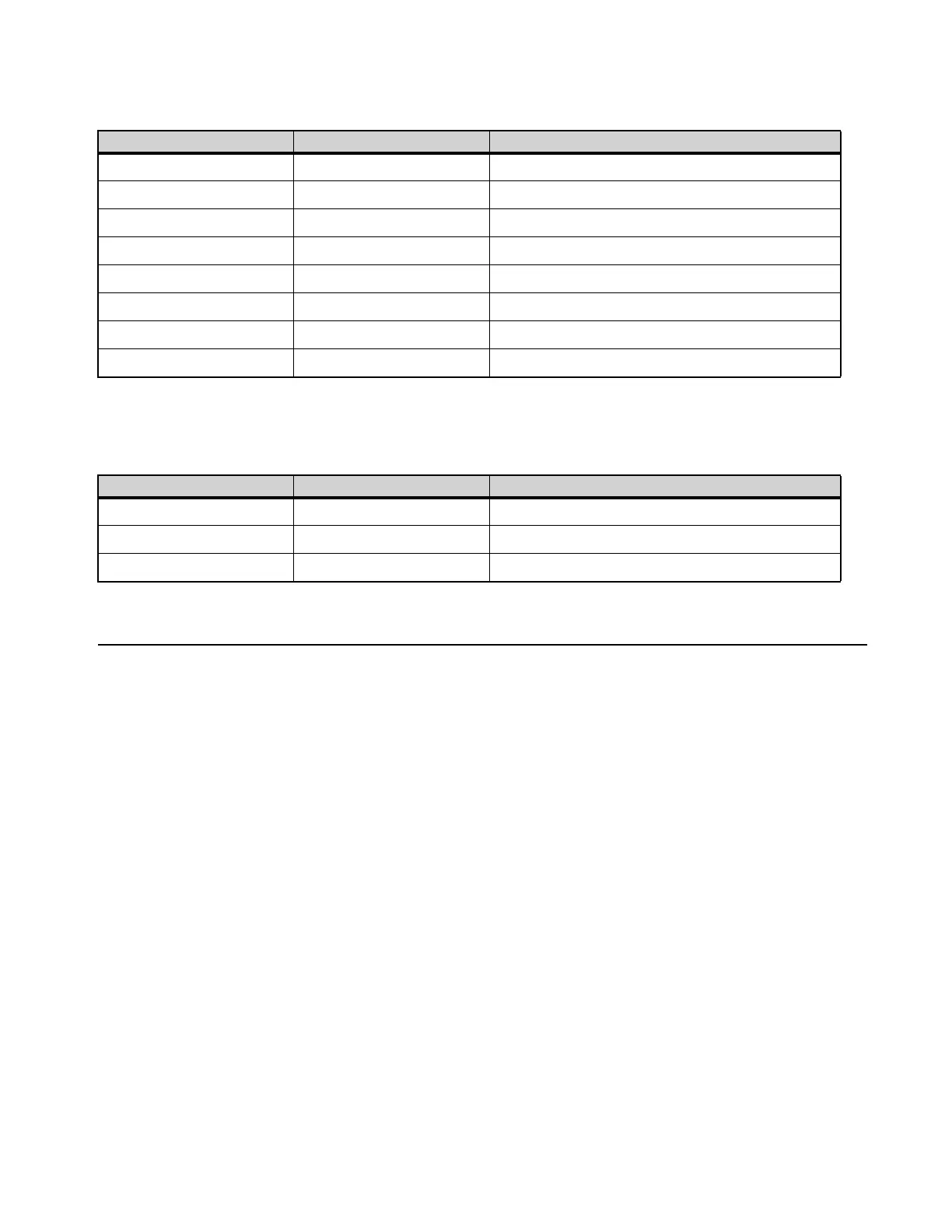
Clock Ref LED indications
Sync X Clock Ref LED Session Setup/Front Panel Clock Reference
Solid Green Locked/Generating 0.0%–0.025% faster/slower than the expected rate*
Flashing Fast Yellow Locked >0.025%–4% faster than the expected rate*
Flashing Slow Yellow Locked >0.025%–4% slower than the expected rate*
Flashing Fast Orange Locked >4%-8% faster than the expected rate*
Flashing Slow Orange Locked >4%-8% slower than the expected rate*
Flashing Fast Red Locked >8% faster than the expected rate*
Flashing Slow Red Locked >8% slower than the expected rate*
Unlit Not Locked not locked or signal missing
Video Ref LED indications
Sync X Video Ref LED Session Setup/Front Panel Video Reference
Solid Green Locked/Generating Video Reference signal is present and matches
Flashing Fast Red Not Locked Video Reference signal is present, but does not match
Unlit Not Present Video Reference signal is missing












 To Next Page