Chapter 5: Configuring Pro Tools | Sync X 20
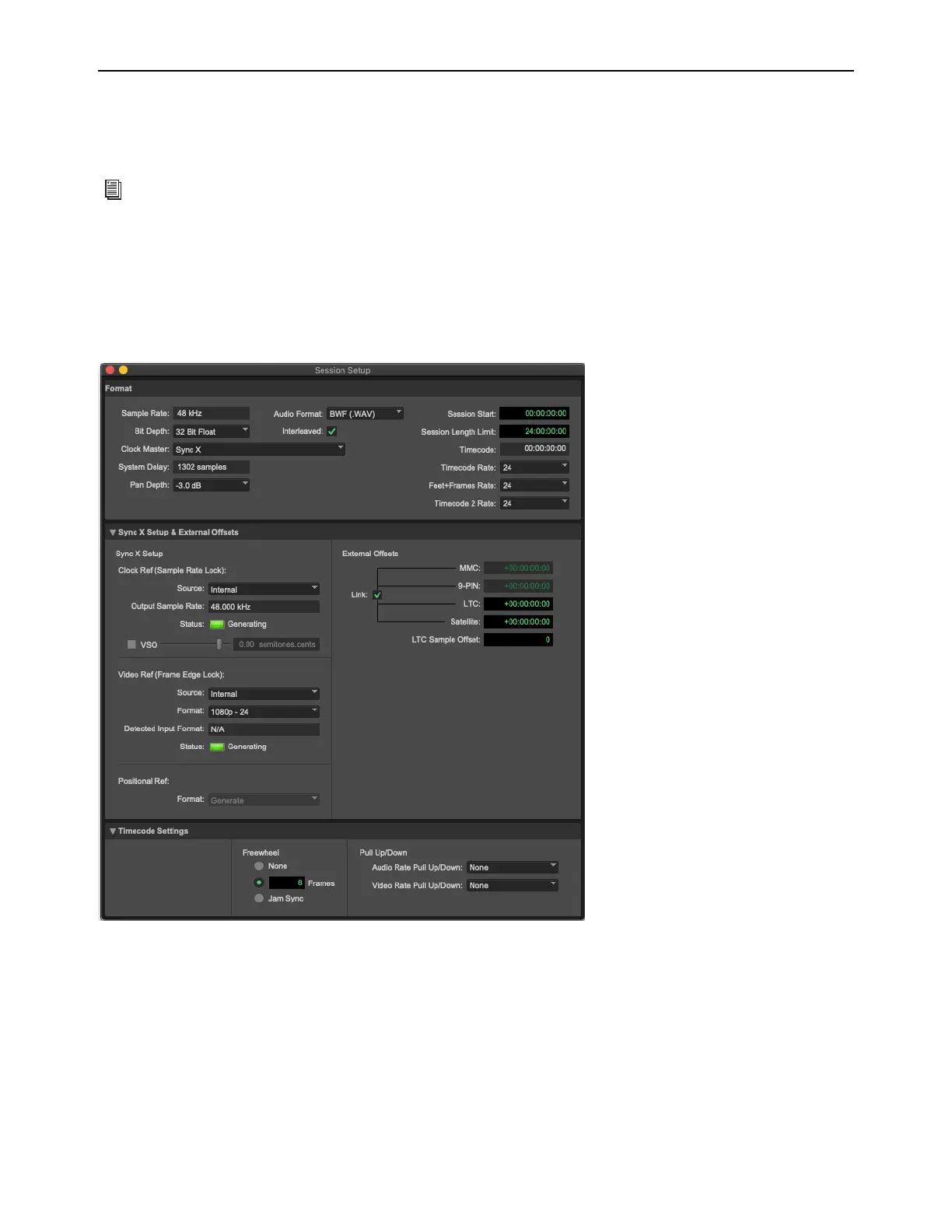
Pro Tools | Sync X in the Session Setup Window
With Sync X enabled in the Synchronization page of the Peripherals dialog (Setup > Peripherals), you can use the Session Setup
window (
Setup > Session) to configure and control Sync X. Sync X settings configured in the Session Setup window are stored
in the Sync X unit.
To select Sync X as the system Clock Master:
1 Ensure that Sync X Enabled is selected in the Synchronization page of the Peripherals dialog (Setup > Peripherals).
2 Open or create a session.
3 Open the Session Setup window (Setup > Session).
4 Select Sync X as the Clock Master.
For complete information on the Session Setup window, see the Pro Tools Reference Guide.
Session Setup window












 To Next Page