Chapter 5: Configuring Pro Tools | Sync X 19
Machine Control Setup
If you are using Pro Tools | MachineControl with Pro Tools | Sync X, do the following to establish basic communication.
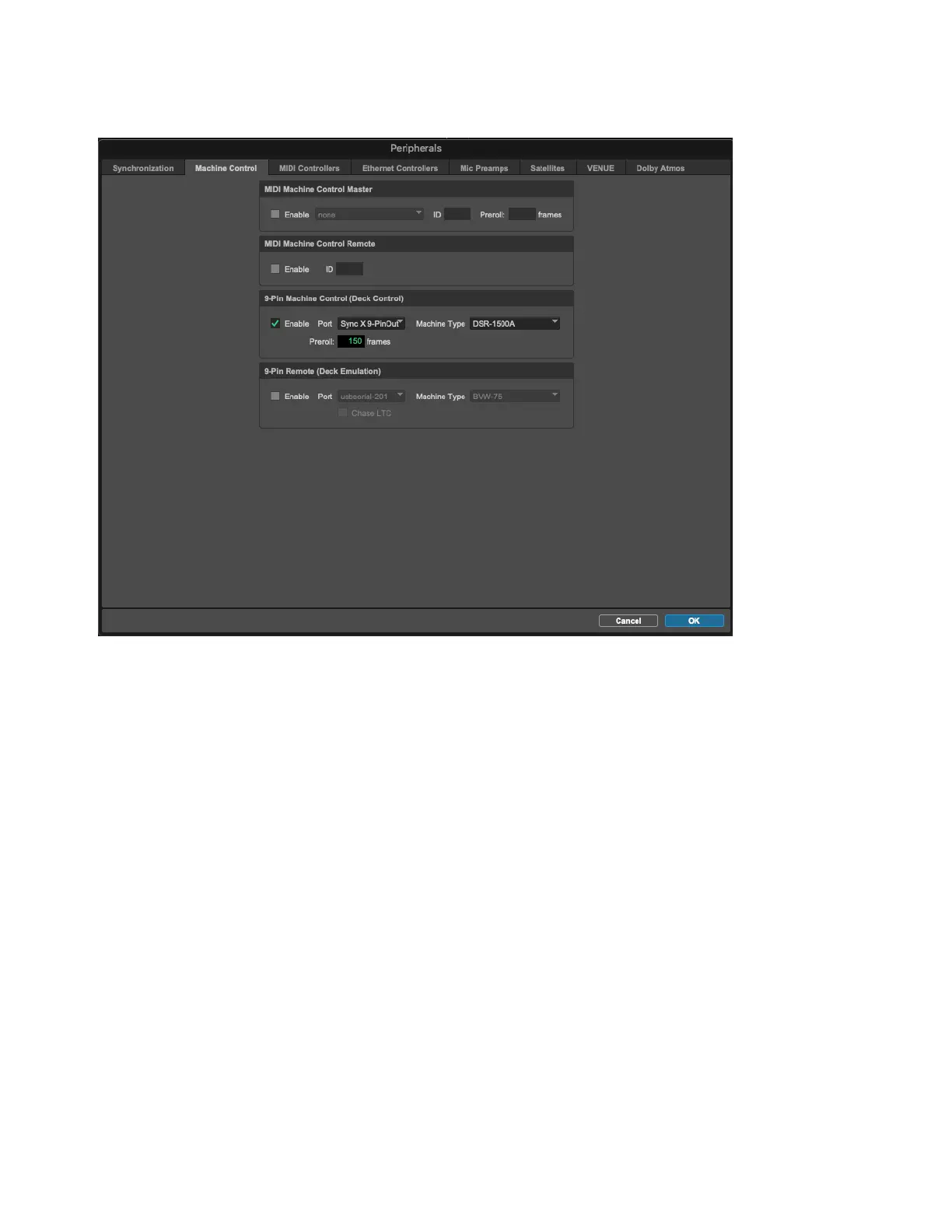
To configure Machine Control:
1 Choose Setup > Peripherals, and click the Synchronization tab.
2 On the Synchronization page, ensure that Sync X is the current Synchronization device.
3 Click the Machine Control tab to open the Machine Control page.
4 Enable and configure options for 9-pin Serial. The 9-Pin port on Sync X is available for Deck Control only.
Machine Control settings in the Pro Tools Peripherals dialog












 To Next Page