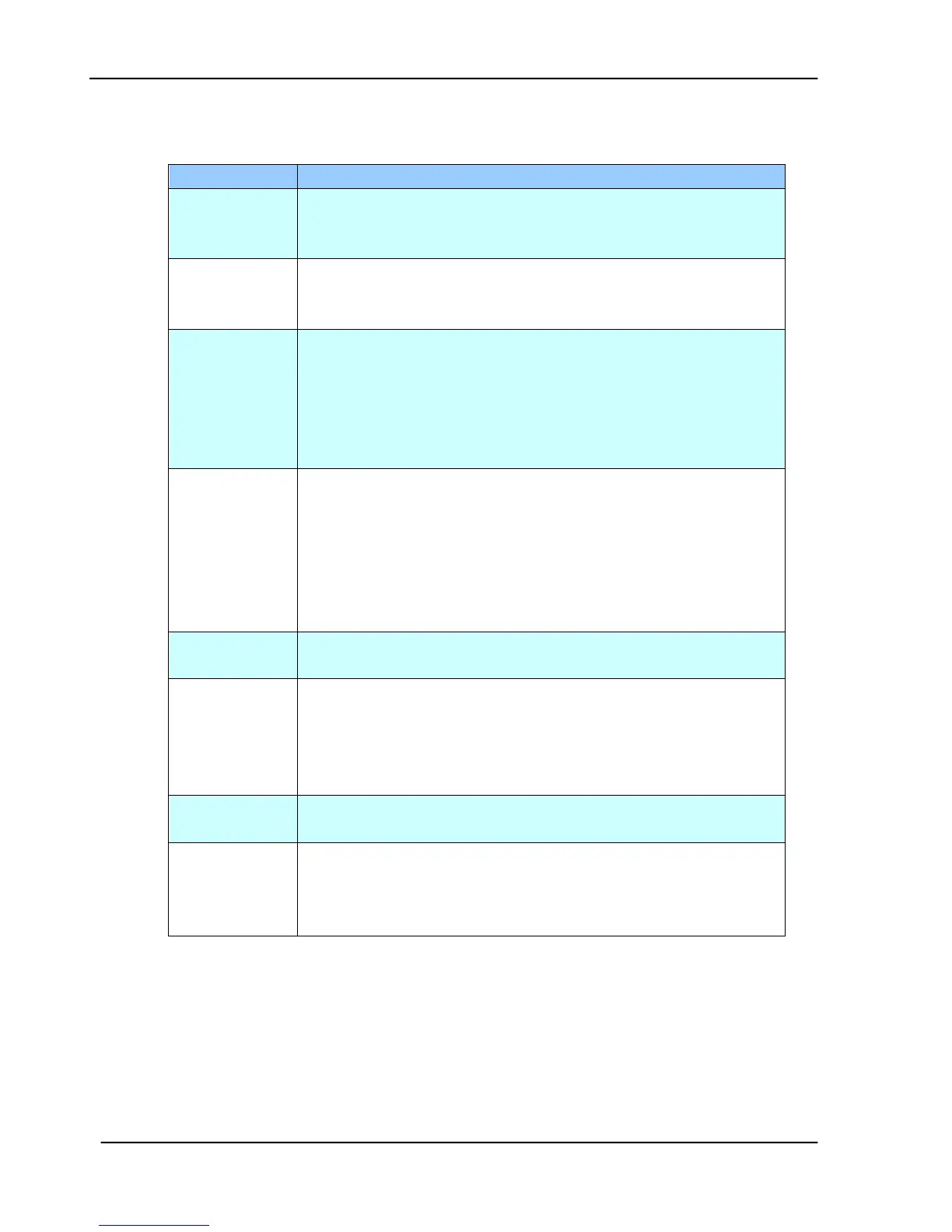
5.2.7 INFORMATION MESSAGES DURING INITIATION OR SCANNING
Restart your product.
If the code still appears, check optical chassis. If optical
chassis is malfunction, replace it.
Restart your product.
If the code still appears, check lamp, inverter or main board.
If one of them is malfunction, replace it.
ADF paper jam.
Open the ADF cover and remove the paper from the ADF
then restart your product.
If the code still appears, check if paper-in sensor, paper-out
sensor, main board, or the AV board is malfunction. If one
of them is malfunction, replace it.
Optical Chassis is locked.
1. Turn off your product.
2. Find the lock switch underneath the machine and unlock
the machine.
3. Restart your product.
If the code still appears, check main board. If main board
is malfunction, replace it.
1. Close ADF Cover.
2. Follow instruction on screen.
Open the ADF cover and remove the paper from the ADF
then restart your product.
If the code still appears, check if ultrasonic, paper-in sensor,
paper-out sensor, main board, or the AV board is
malfunction. If one of them is malfunction, replace it.
1. Close FB Cover.
2. Follow instruction on screen to restart your product.
Scanner
Synchronization
Error
1. Check if ADF cable is tightly attached.
2. Follow instruction on screen to restart your product.
3. If the code still appears, check main board. If main
board is malfunction, replace it.
Table 5.7









 To Next Page