106
4.5. Browser
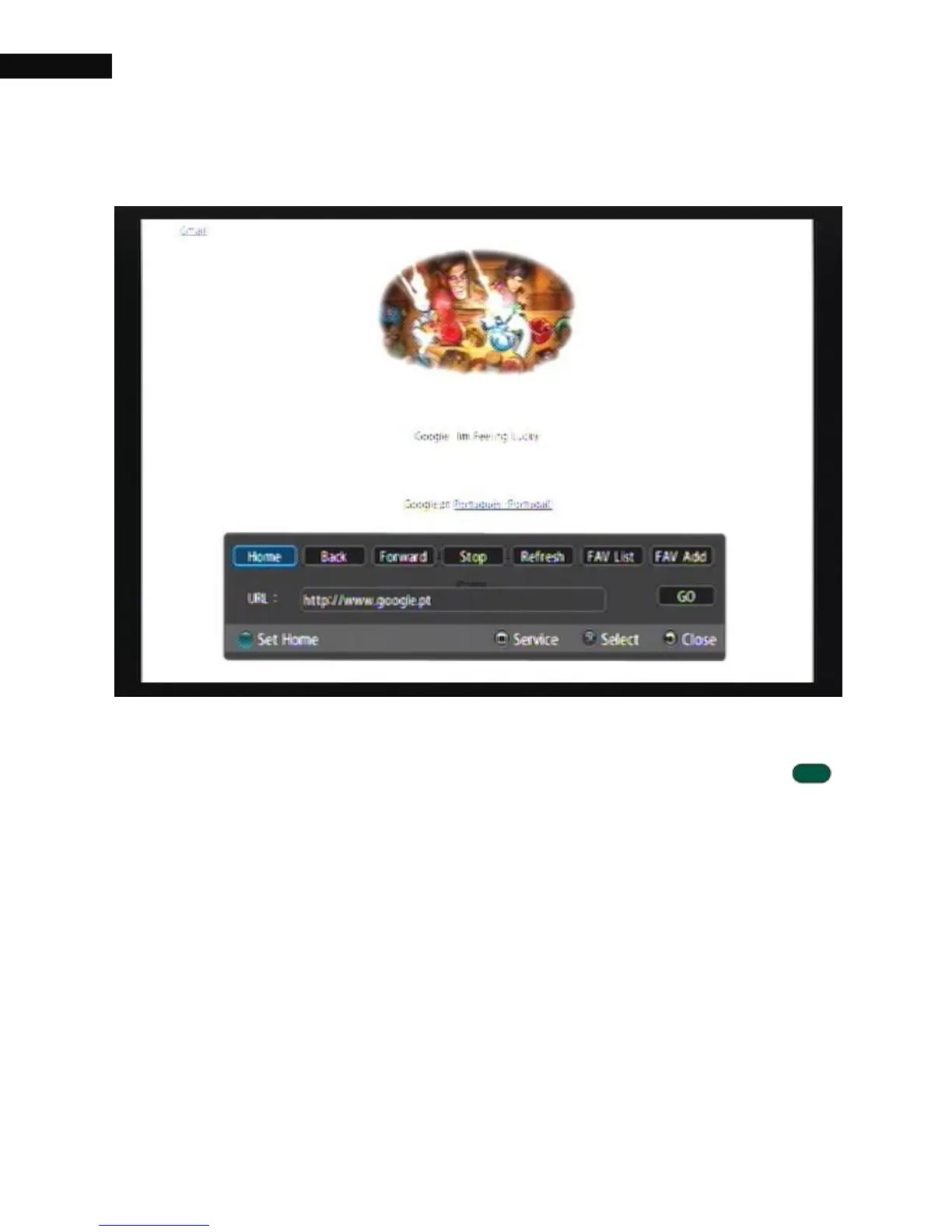
Select Browser on main menu, it will display the default page set in the
box. If you want to change the default page, press the Set Home ( )
button on the remote control. To surf different web page, you can move
the cursor to the URL box, and type URL address.
4.5.1. Favorite List
The Favorite list (FAV List) function is used to organize your favorite list
and create and edit your favorite sites. To add your favorite site to your
list, take the following steps:
1. Select the FAV Add option.



 To Next Page