95
4.2. YouTube
4.2.1. How to search in the YouTube
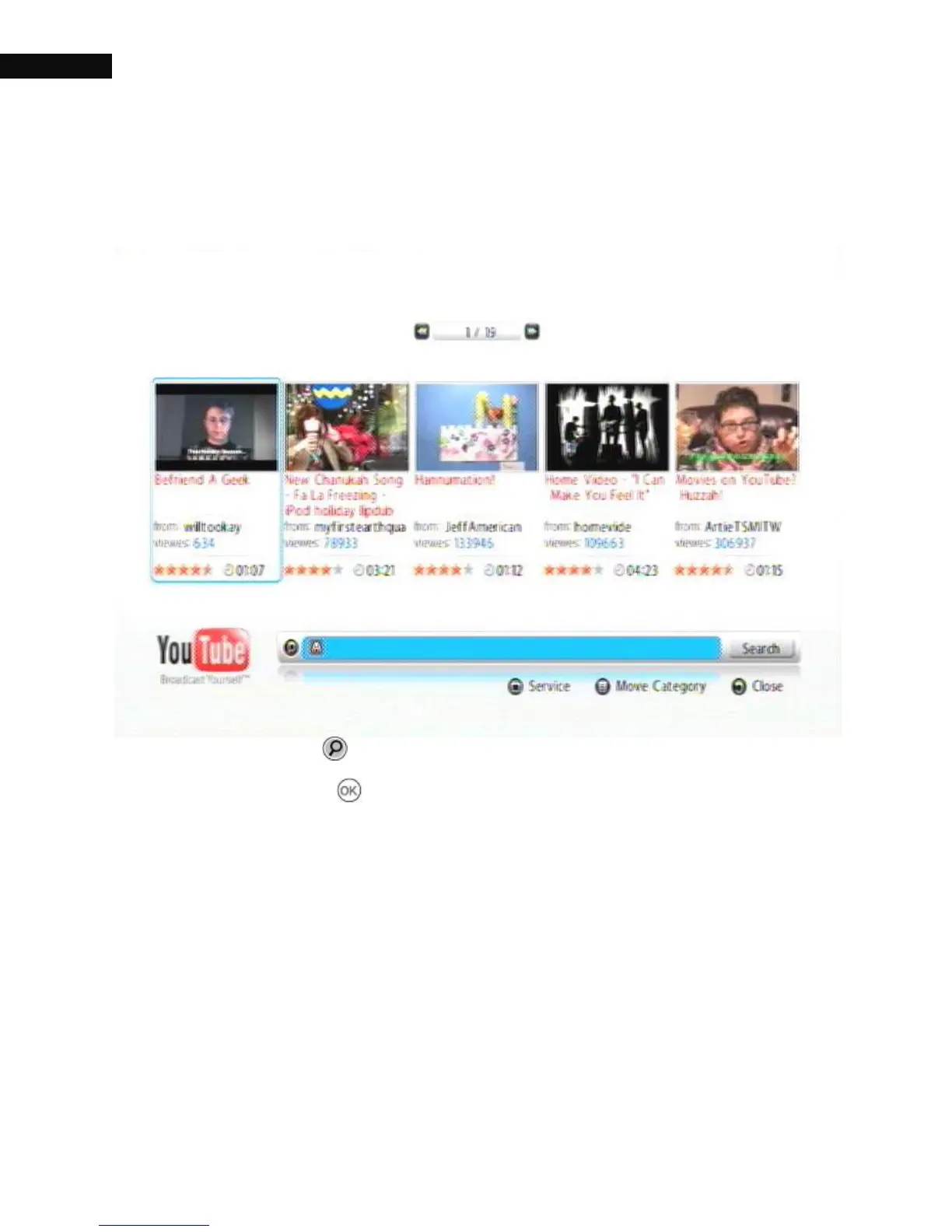
Press the Search ( ) button. Enter search text in the box that appears
and press the OK ( ) button on the remote control. The system will
list all entries that contain the entered letter combination.
When accessing an input field where letters are required, the system
automatically goes to letter mode. Writing letters works like on a mobile
phone. Press the button that corresponds to your desired letter.
Press the button as many times as needed to get the right letter.



 To Next Page