66
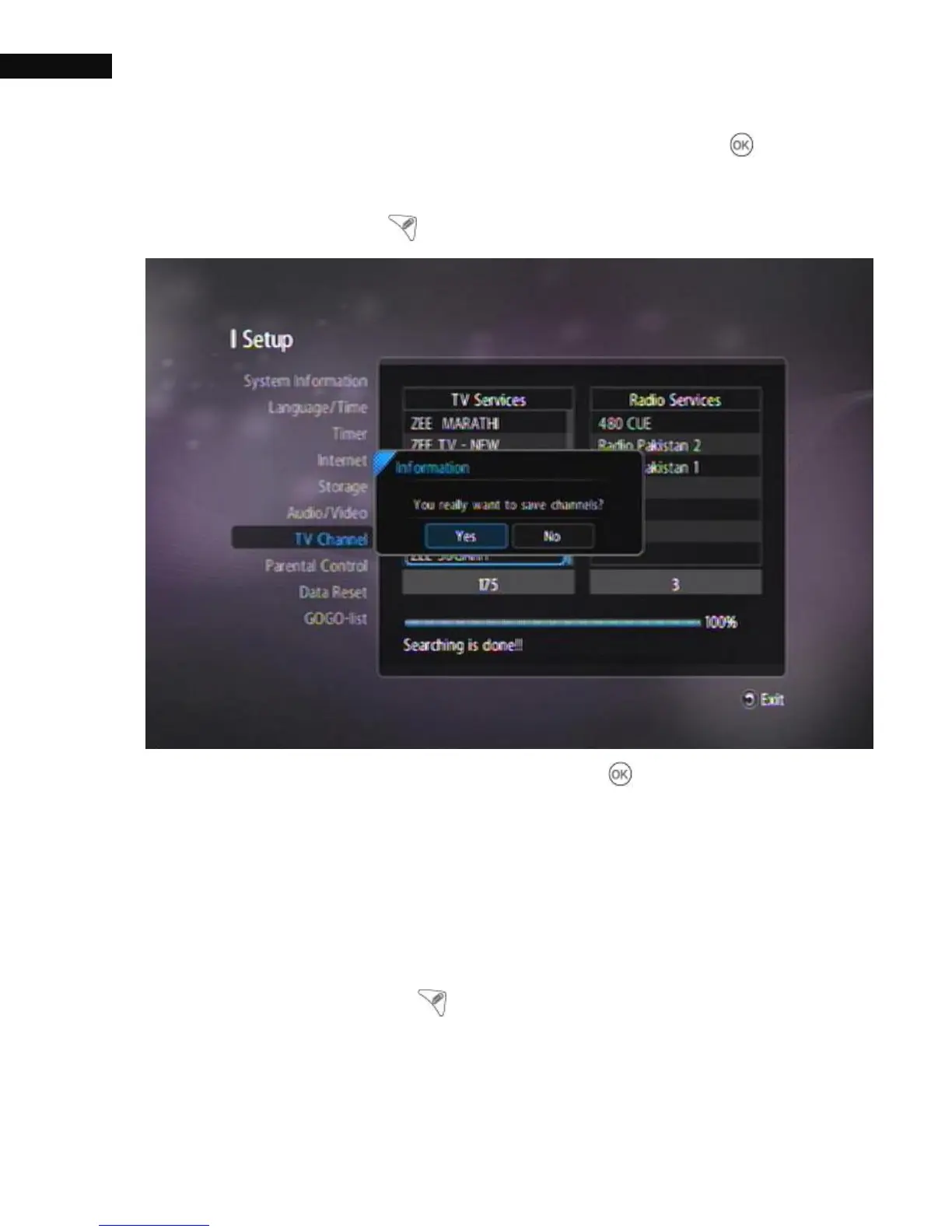
Once you have selected the desired satellites, press the OK ( ) button
to start searching those satellites. The receiver will search all satellites
selected with the Check ( ) button.
To save the searched channel list, press the OK( ) button.
3.8.3. TP Scan
Individual transponders (TP) can be scanned with TP scan. Scroll
through the satellite dropdown list, and select the satellite to be
scanned. Using the Check ( ) button, you can select more than one
satellite.



 To Next Page