52
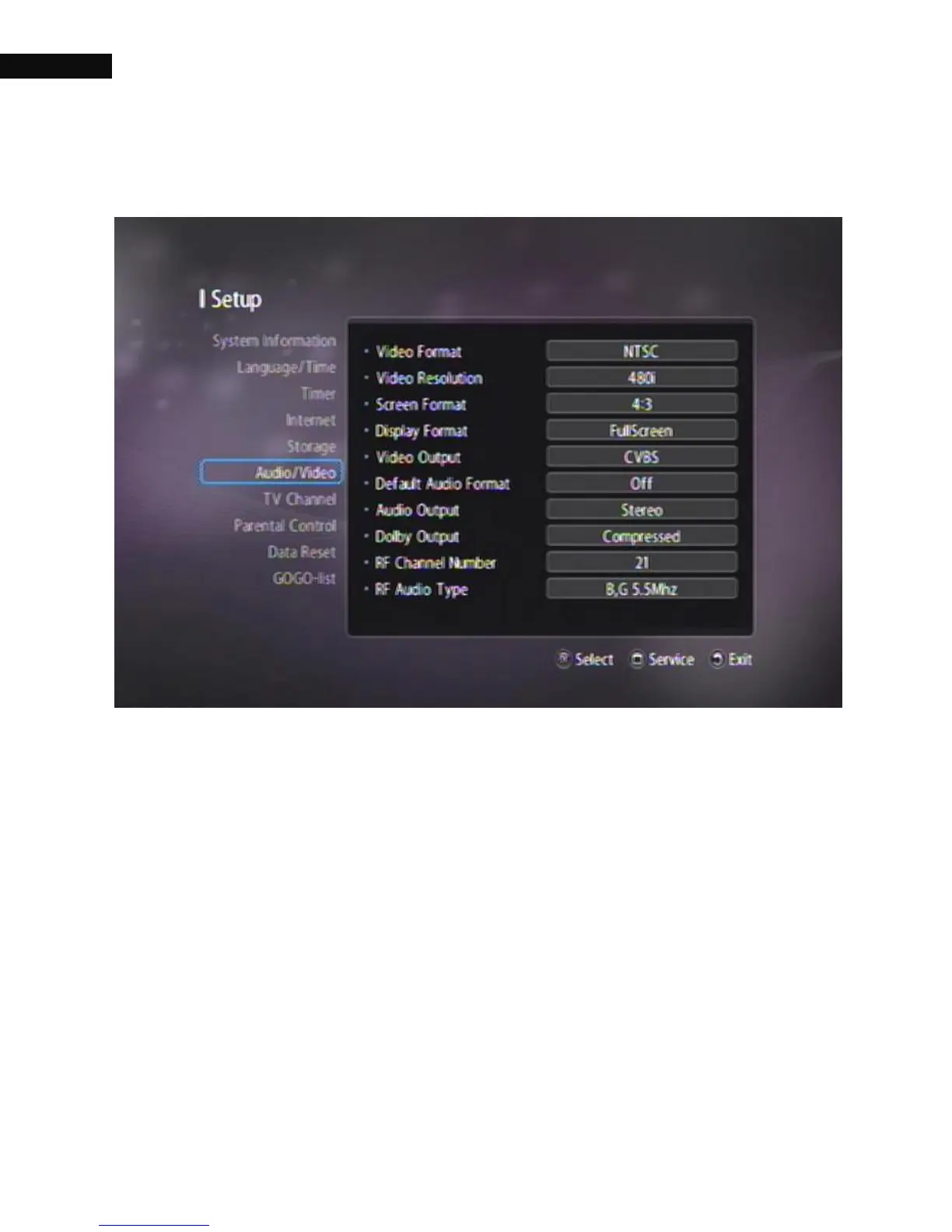
3.7. Video and audio settings
You have to configure the video and audio settings appropriately for
your television set and other appliances. Select the Setting >
Audio/Video menu. You should see a screen like the left figure.
The picture format for an HDTV is a combination of screen format and
video resolution and is different for normal-screen and wide-screen
HDTVs.



 To Next Page