69
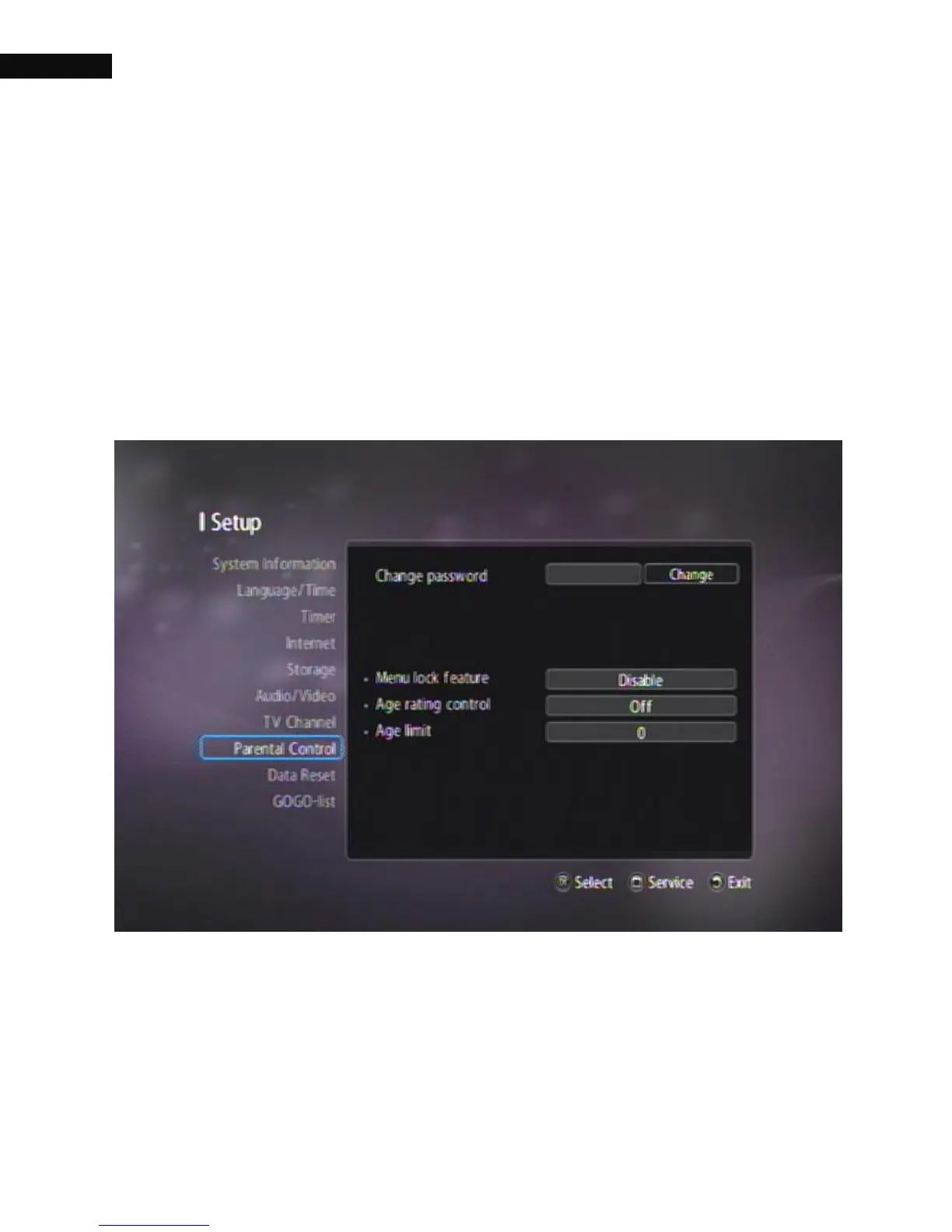
3.9. Parental control
In general, television programs are classified according to the level of
violence, nudity and language of their content. You can prevent your
children from watching specific programs by adjusting Parent control
option. In parental control menu, you can set the censorship
classification or change the password.
3.9.1. Change password
Select the Setting > Parental Control menu. You should see a screen
like the left figure, and you will be asked your Password.



 To Next Page