79
4.1.2.2. Favorite channel lists
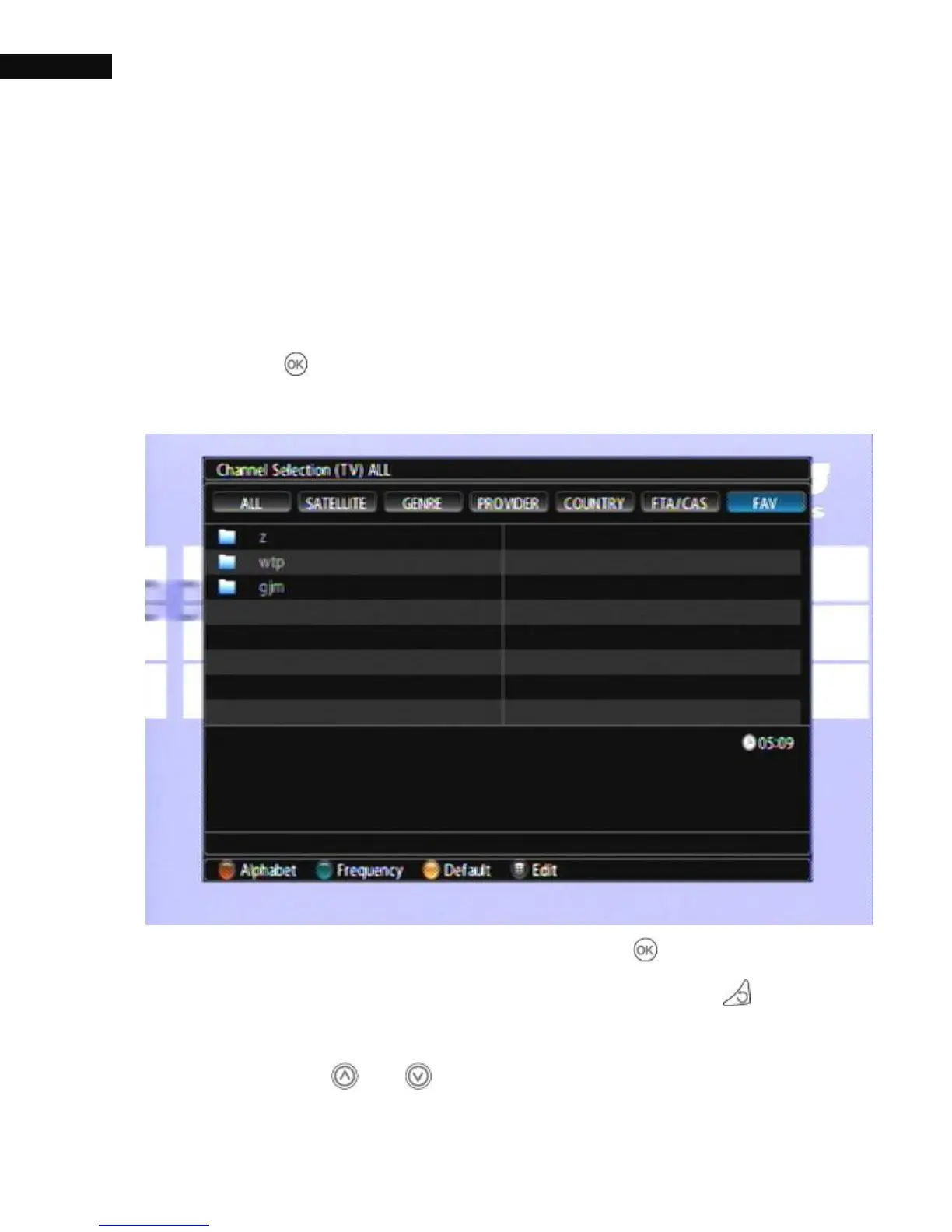
The Favorite channel list (FAV) function is used to organize your channel
list and create and edit your favorite channels. The Maximum number of
FAV groups is 50. And 200 channels per each group.
To select a favorite service, put the highlight bar on a desired group and
press the OK ( ) button; a highlight bar appears on its favorite
services list.
Once you select a desired service with the OK ( ) button, it will be
presented. Otherwise, to select other group, press the Exit ( ) button.
After you have selected a favorite service, if you then switch to another
service using the or button, it will be also another favorite



 To Next Page