80
service of the selected group.
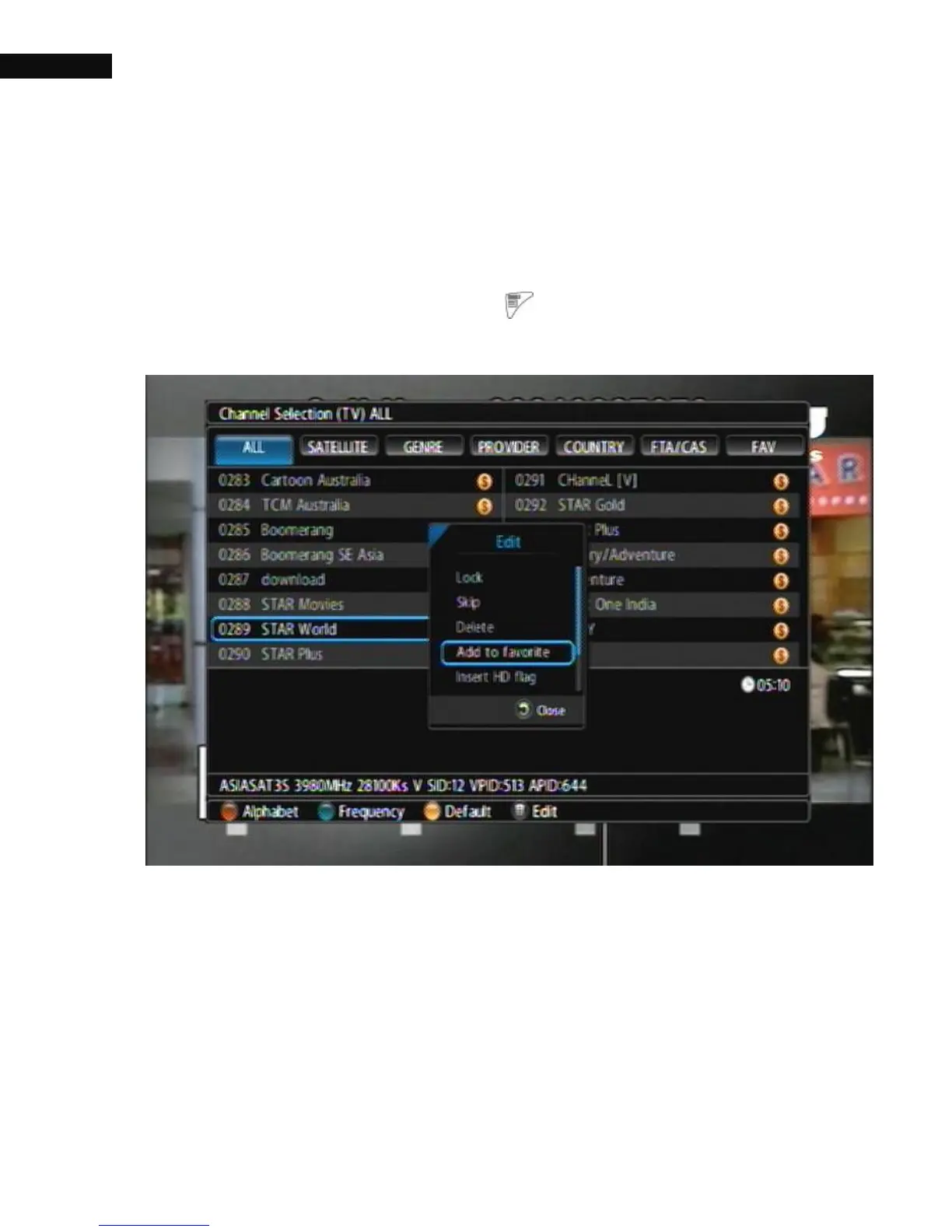
4.1.2.3. Channel Edit
To edit the channel, press the Menu ( ) button; Lock, Skip, Delete,
Add to favorite, Insert HD flag, Rename, and MOVE.
① Lock: Lock channels. To watch the locked channel, you must enter
your password.
② Skip: Skip channels. But you can watch the channel by press its
channel number.
③ Delete: Delete channels from the channel list. The deleted channel
cannot be recovered unless you do a channel scan again. See §



 To Next Page