32
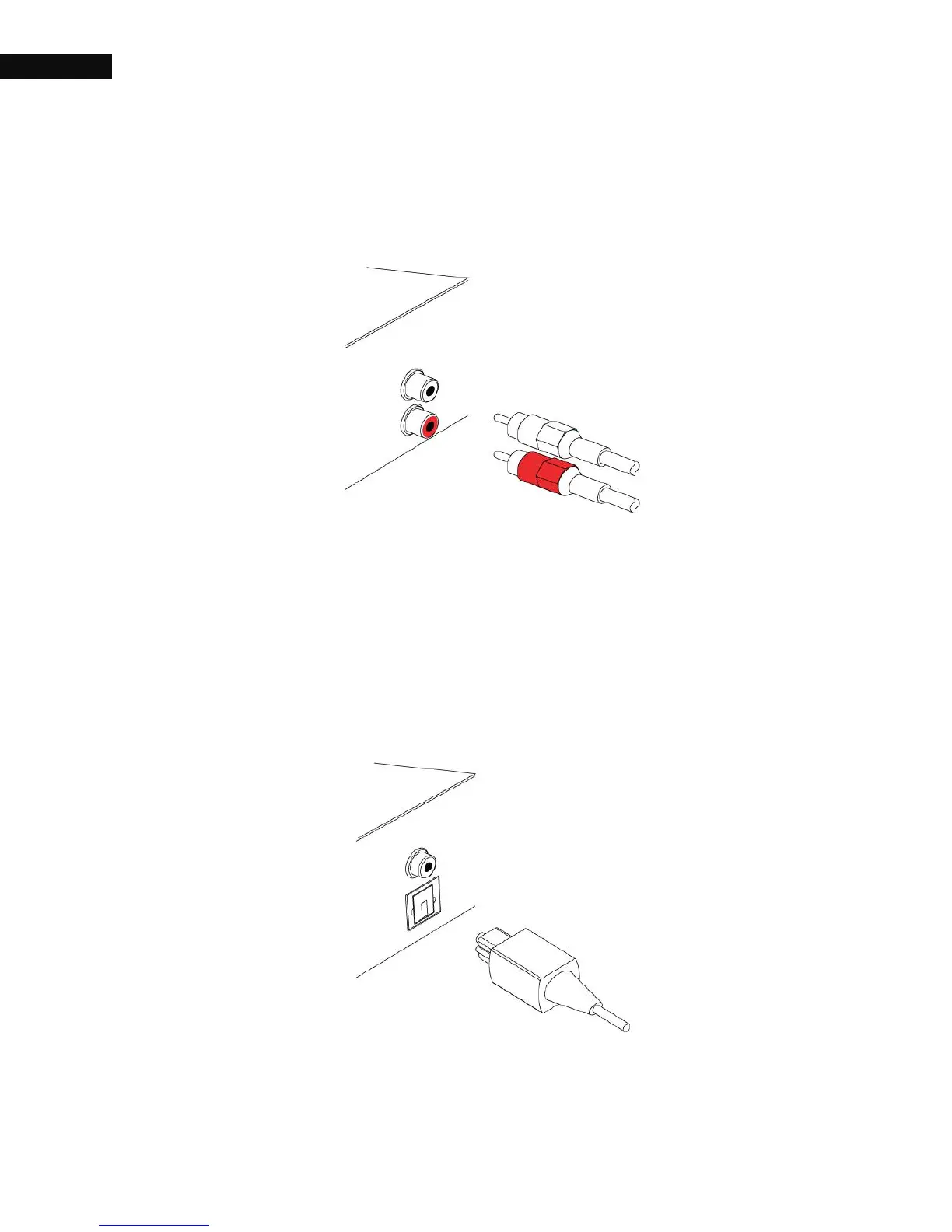
2.2.5. Audio connection
You need to obtain an audio cable (RCA cable) to connect the audio
connectors. Plug one end of the cable into the AUDIO L (white) and
AUDIO R (red) sockets on the digital receiver, and plug the other end
into the matching sockets on your television or audio system.
To enjoy Dolby digital audio, your television or audio system must be
able to decode Dolby digital audio, and you need to obtain a S/PDIF



 To Next Page