43
3.3. Local time setting
You should set your local time for timer events. If you do not set the
local time correctly, the program time table provided by the program
guide may be distrustful. For the program guide, see § 4.1.3.1.
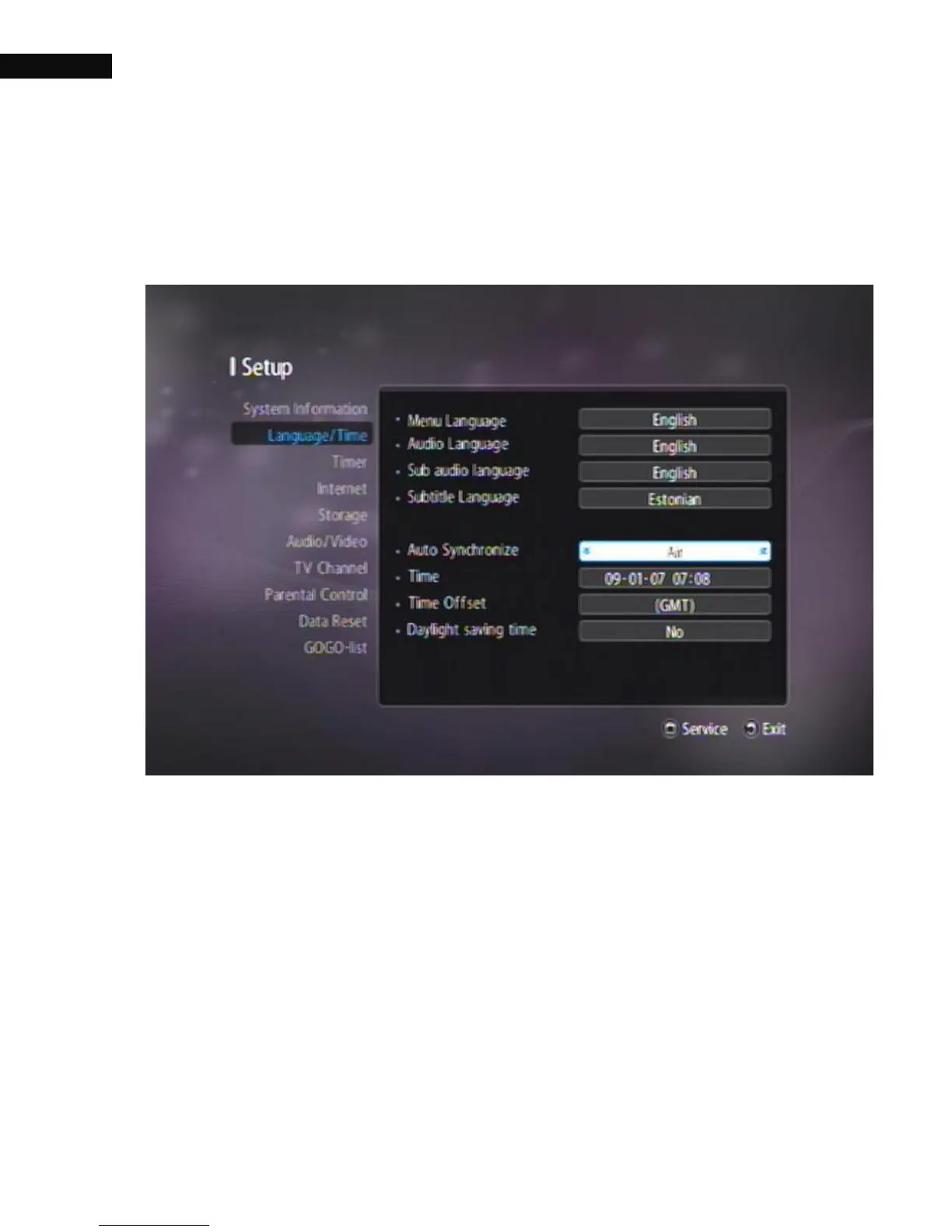
Select the Setting > Language/Time menu. You should see a screen like
the figure above.
You can set the clock: Manual, Air, Internet, or use the time signal,
Greenwich Mean Time (GMT), carried as part of the digital television
broadcast. The default setting is Internet.
To use Greenwich Mean Time, take the following steps:



 To Next Page