77
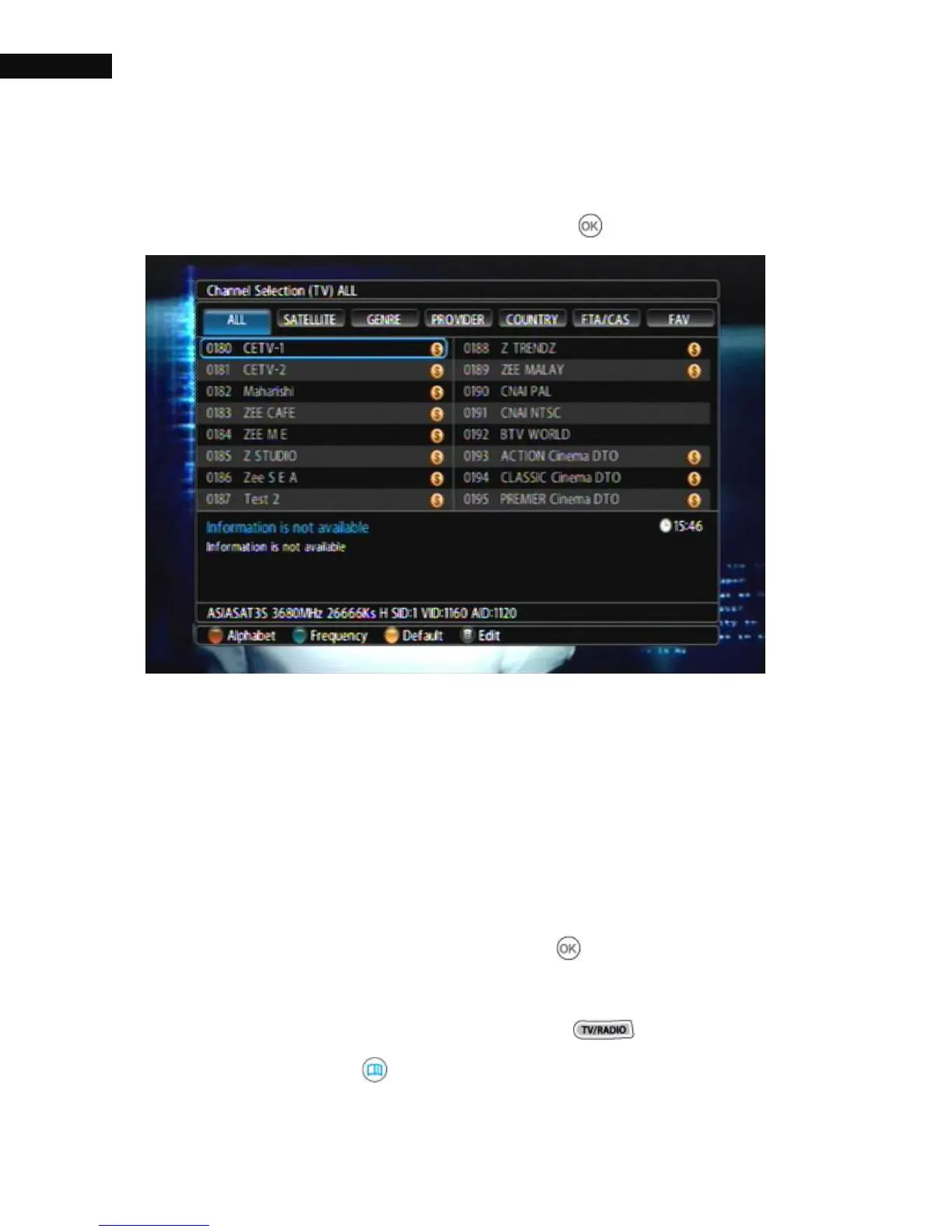
4.1.2. Channel Selection
To view the Channel Selection, press the OK( ) button.
On the services list, you can see the service information:
① Service number and name
② Transmitting satellite
③ Channel Information
④ Transponder information
To watch a desired channel, put the highlight bar on its entry with the
Navigation buttons and press the OK ( ) button, then it will be
presented. You can switch between the television services list and the
radio services list by pressing the TV/Radio ( ) button.
If you press the Info( ) button while you use the channel selection,



 To Next Page