48
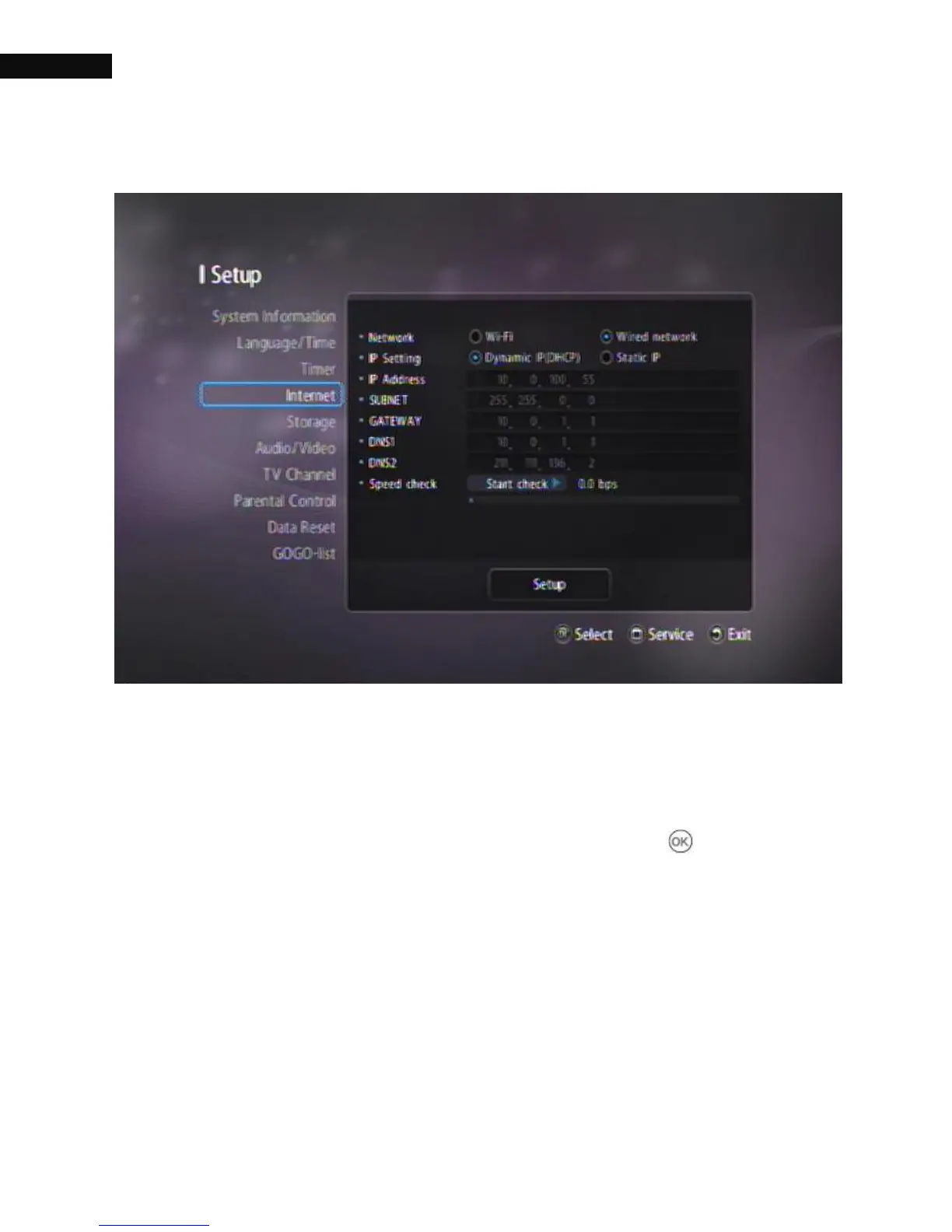
3.5. Internet
3.5.1. Network
: Wi-Fi, Wired network. The default setting is Wired network.
To use WIFI, you need to set Wi-Fi and press the OK ( ) button. For
802.11b/g specification, see Appendix A.
3.5.2. IP Setting
: Dynamic IP (DHCP), Static IP. The default setting is DHCP.
DHCP: IP-subnet mask and Gateway are not used because the DHCP



 To Next Page